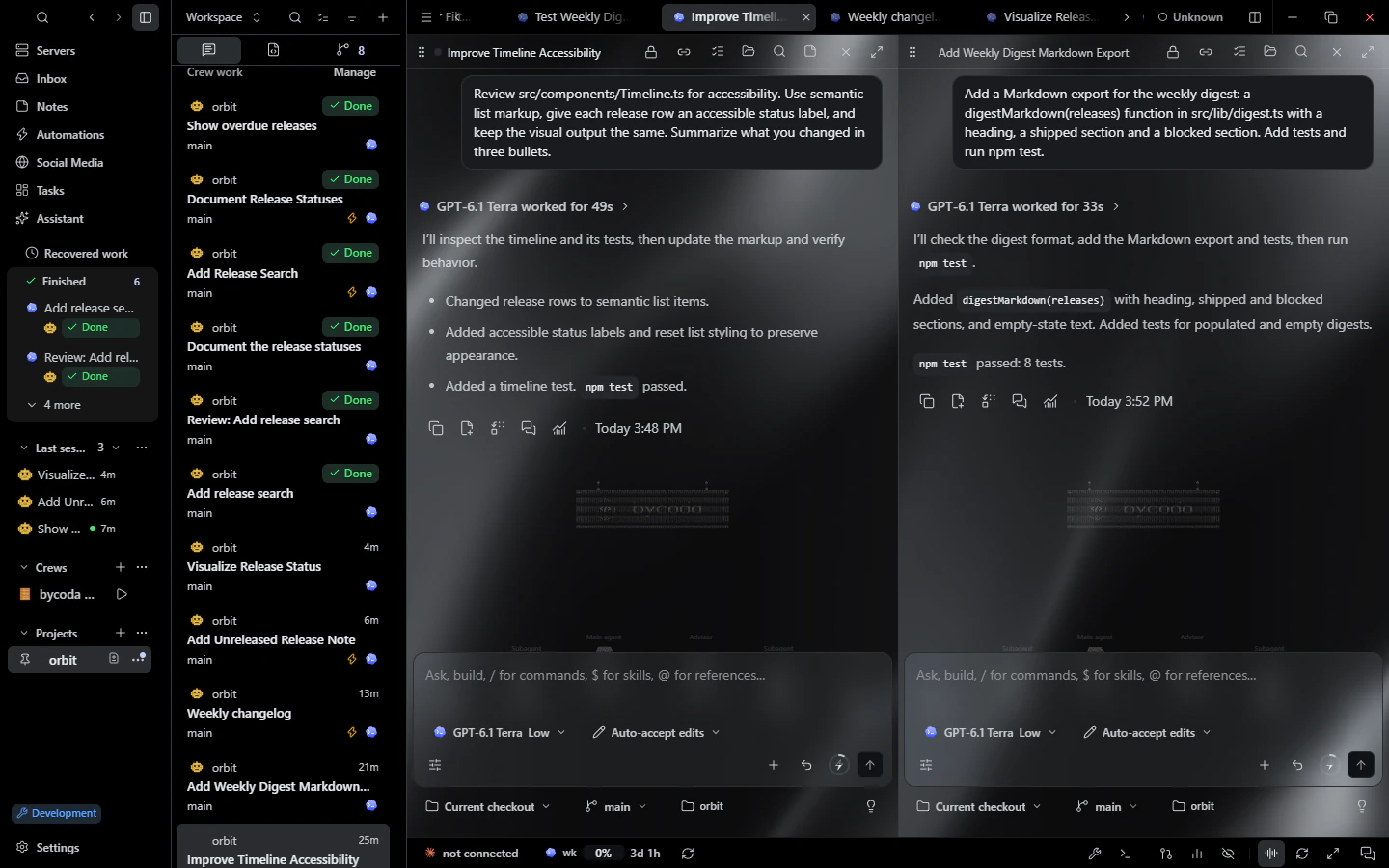
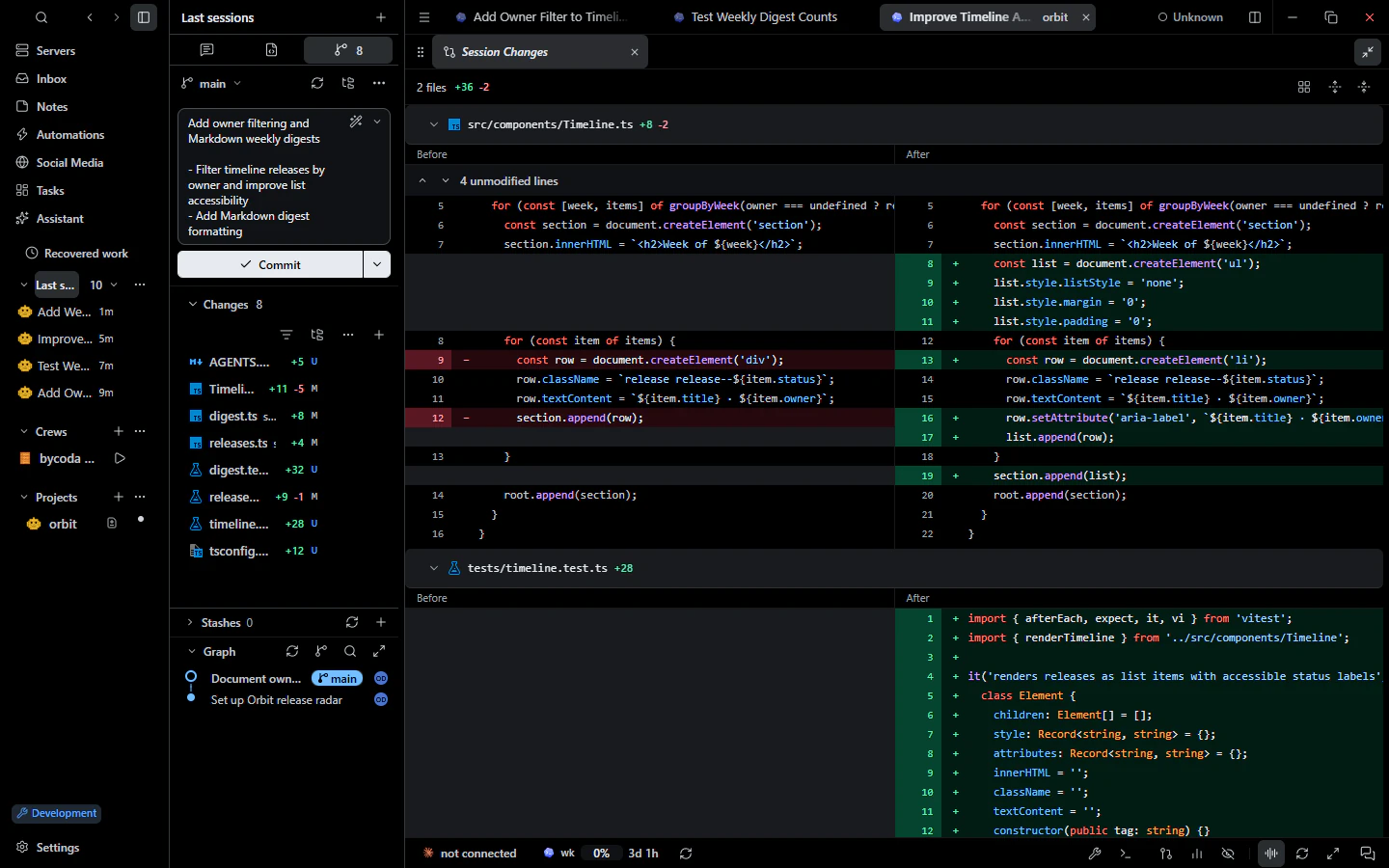
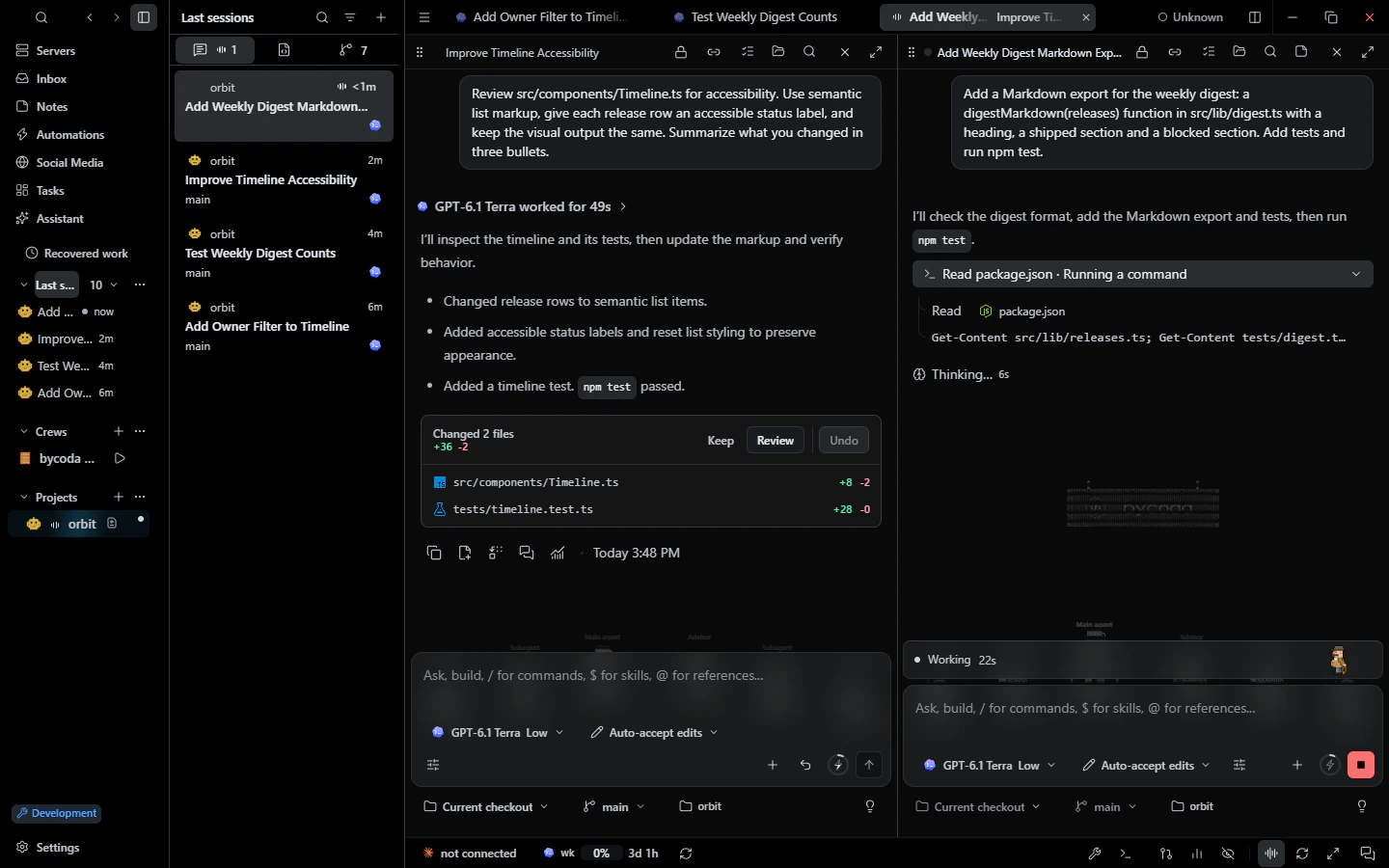
Every agent started by bycoda gets conversation tools: it can open the browser, read logs, create tasks, write notes or render a visual right in the chat. Sensitive actions still wait for you.
Agents can work with sessions, tasks, goals, crews, automations, notes, files, Git, terminals, the browser, Android and iOS devices, dev servers, logs and saved SSH servers. They search tools by purpose and load only what they need.
Show, do not just tell
Agents can render HTML, CSS or SVG visuals inside the conversation using the app theme, record the browser, and attach device screenshots.
MCP hub and skills
Manage MCP servers per provider and scope in Settings → MCP, sign in to HTTP servers, and see health separately. Browse a skills library across your computers and install public skills per project or globally.
What you can do
Integrated browser with element annotation and recording
Android devices and iOS simulators, with control you grant
Dev servers: discover, start, stop, logs and sharing
Terminals, files and Git operations
Tasks, goals, crews, automations and notes
HTML visuals rendered in the conversation
Secrets entered in a native dialog, never in chat
MCP hub per provider and skills library
Examples
Debug a page
An agent opens the failing page in the browser, reads the dev server logs and proposes a fix.
Plan follow-up work
An agent turns review findings into tasks you can schedule.
Share skills
Install a review skill once and copy it to another connected computer.
Good to know
Tools respect the session's permission mode. Sends, merges, pull request actions and credential use need your approval in a native prompt, and agents cannot approve themselves. iOS simulators need macOS with Xcode.
Questions
Do I need to configure MCP myself?
No. bycoda's own tools are provided automatically. You can add your own MCP servers in Settings → MCP.
Can an agent control my browser?
It uses bycoda's integrated browser through a lease you can see. Your own browser is not used.
Can agents read other conversations?
Only within the same project, in short pages, without tool output or reasoning.