


Tell it what, where and when
A task holds a prompt, an optional verify command and dependencies on other tasks in the same project. Choose the machine, branch and worktree where it runs.
Tasks & goals
Write a task, choose where it runs and let a worker and an independent reviewer handle it. Dependent tasks wait their turn. You stay in charge of what gets delivered.
A task holds a prompt, an optional verify command and dependencies on other tasks in the same project. Choose the machine, branch and worktree where it runs.
A worker does the task and an independent reviewer checks it. Findings stay attached to the task, small corrections can run automatically, and you can retry, stop or re-check.
Goals plan several tasks and check the combined result before they finish. Sprints track capacity, velocity and burndown. Today shows sessions, agent time and estimated cost per project.
Queue “add API endpoint”, then “write tests”, then “update docs” as dependent tasks on one branch.
Send a heavy task to a connected build machine's checkout.
Open Today to see what ran, for how long and in which project.
Completed, reviewed and delivered are separate states; a task with open findings is not approved. Agents cannot mark their own task done or merge it. Merging and delivery stay with you.
Yes, independent tasks can. Dependent tasks wait until the earlier task passes its checks and is delivered.
An independent reviewer session checks each task, and you make the final decision.
Jira work items can appear in Inbox, and the Jira board is available as a separate integration.
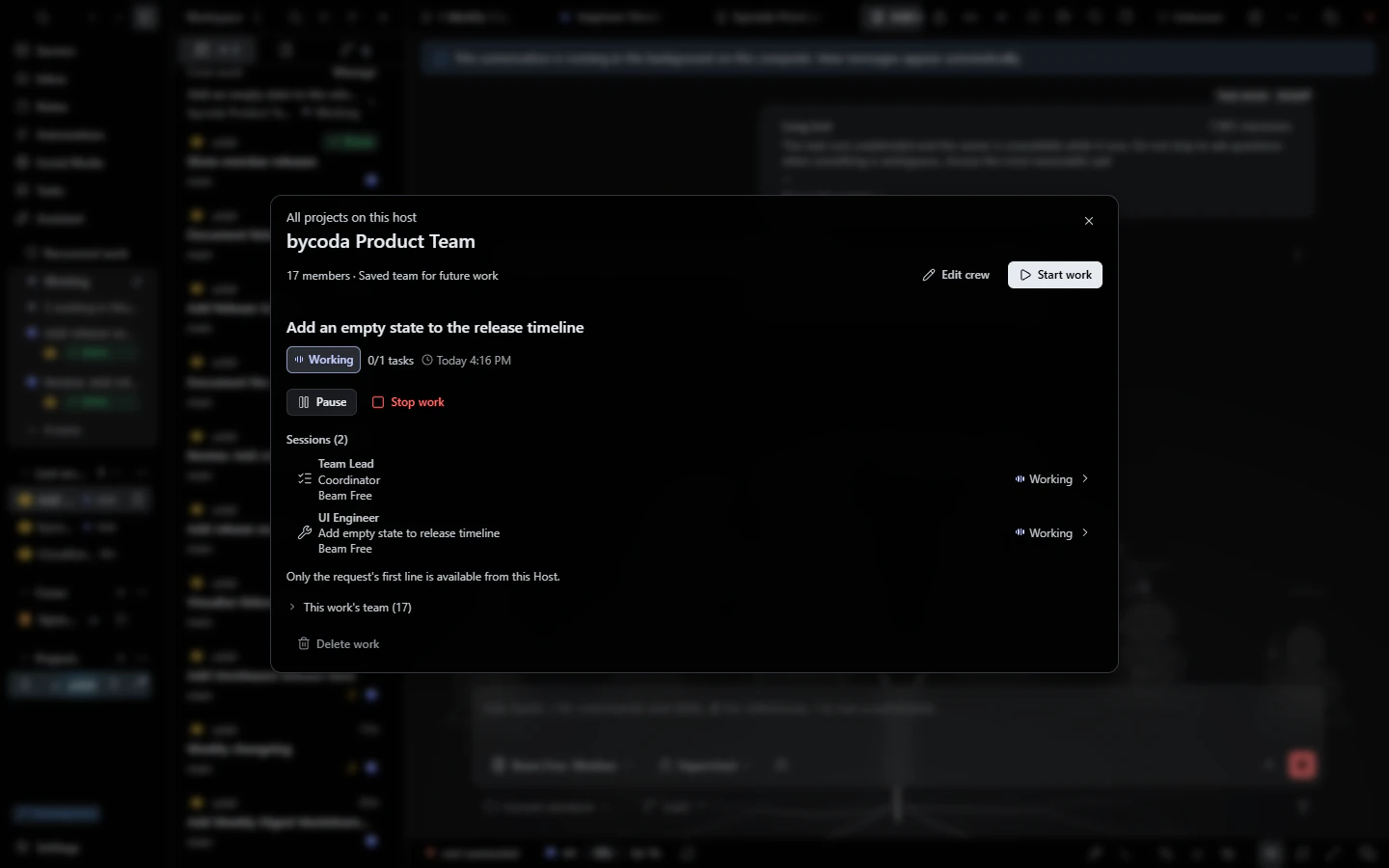 Agent crewsAgent teams with a coordinator, specialists and an independent reviewer, each with its own model.
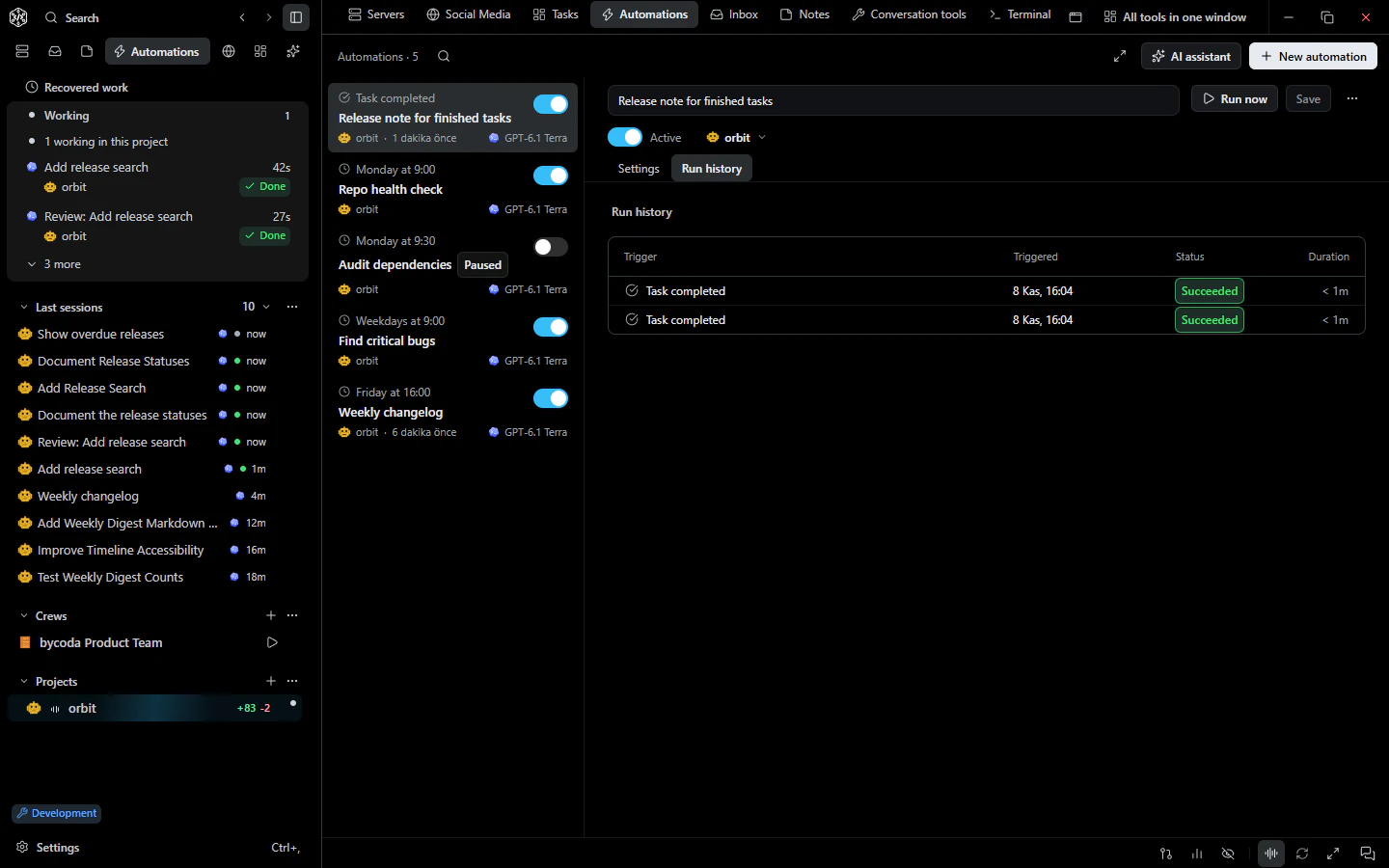 AutomationsScheduled and event-triggered agent runs with templates, history and limits.
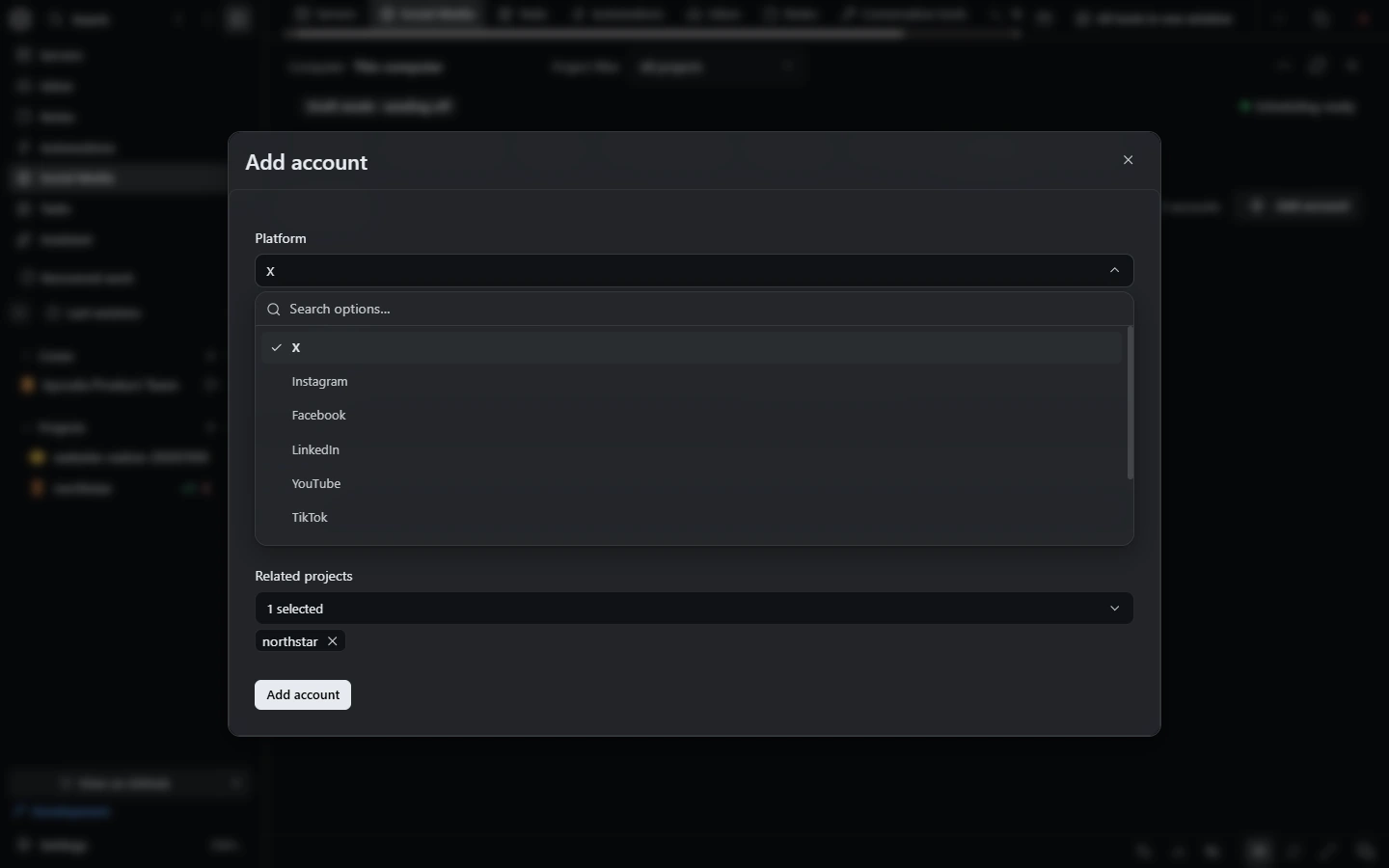 Social mediaDrafts, campaigns, a unified inbox and per-account autonomy rules, with owner approval for sends.

bycoda is free, open source and in beta for Windows x64 and Apple Silicon Macs. Bring the agent accounts you already use.
Desktop packages for this release are available for Windows x64 and Apple Silicon macOS.