


One place for every account
Connect accounts through an official API or an isolated signed-in browser profile. Command, Content, Audience, Inbox and Accounts screens keep publishing, conversations and permissions apart.
Social media
A social media workspace next to your code: draft launch posts, keep conversations in one inbox and let agents help, while every send waits for your approval.
Connect accounts through an official API or an isolated signed-in browser profile. Command, Content, Audience, Inbox and Accounts screens keep publishing, conversations and permissions apart.
AI campaign programs turn a brief into exact variants per network. You review the text, then the images, then activate a revision and schedule it.
Each account and action has an autonomy level: suggest, approve or autonomous. Daily limits, working hours, a global AI stop and an external-sending switch that starts off keep you in control.
Draft a release post for each network from one brief, approve each variant and schedule it.
Read replies and messages from several accounts in one inbox and approve agent-drafted answers.
Run a recurring content program where every new sample is approved first.
Drafts never authorize sending. Platform terms, app review, quotas and account eligibility apply, and some messaging services are temporarily unavailable for new connections. Social media support is in beta.
Only if you explicitly enable an autonomous rule for that account and action. The default is suggest, and external sending starts switched off.
X, LinkedIn, Facebook, Instagram, Reddit, YouTube, TikTok, Telegram, WhatsApp and Snapchat, subject to each platform's rules.
Yes. Social Media can be hidden from navigation in Settings → Workspace.
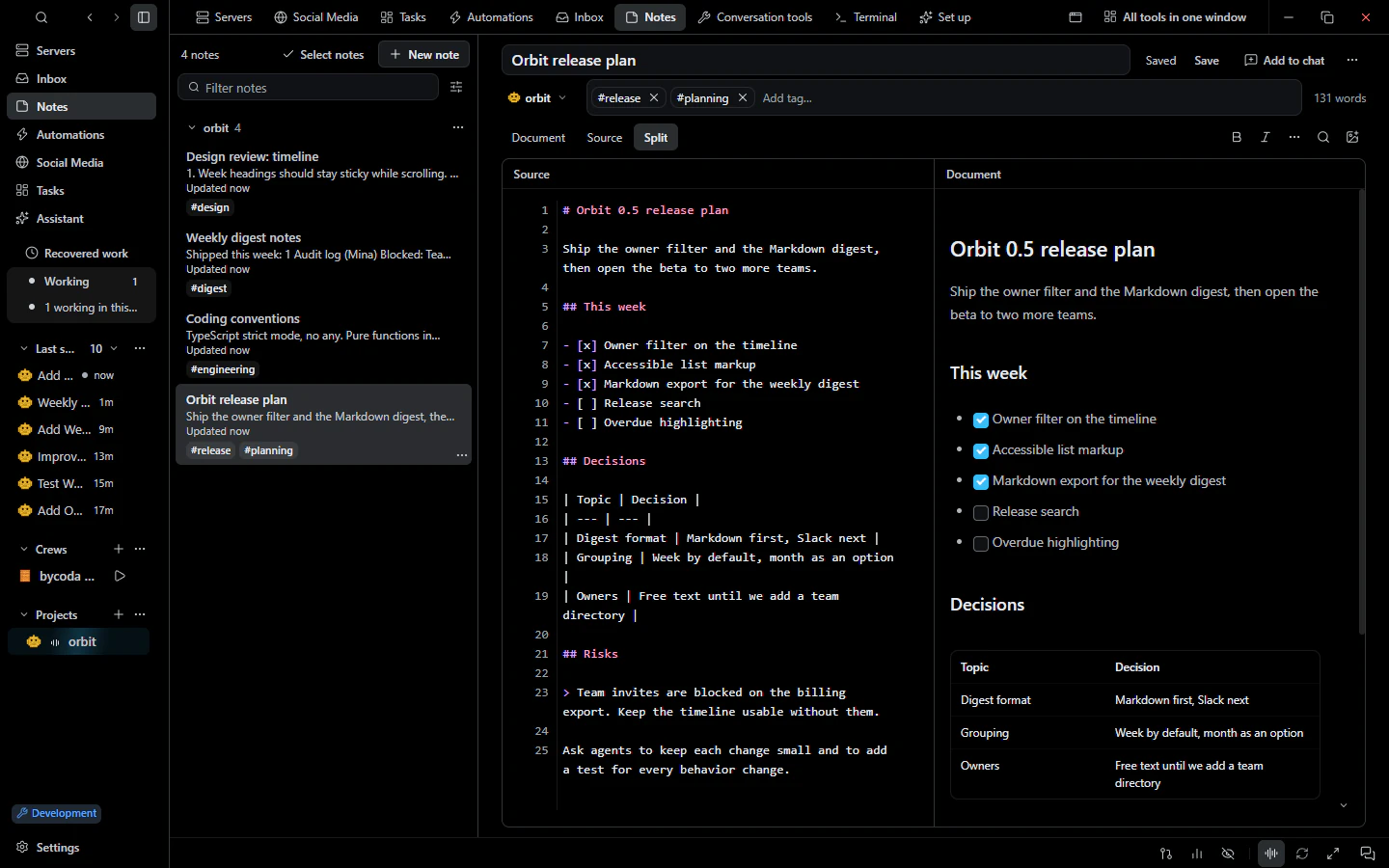 NotesMarkdown project notes and a personal notebook that you can add to conversations as context.
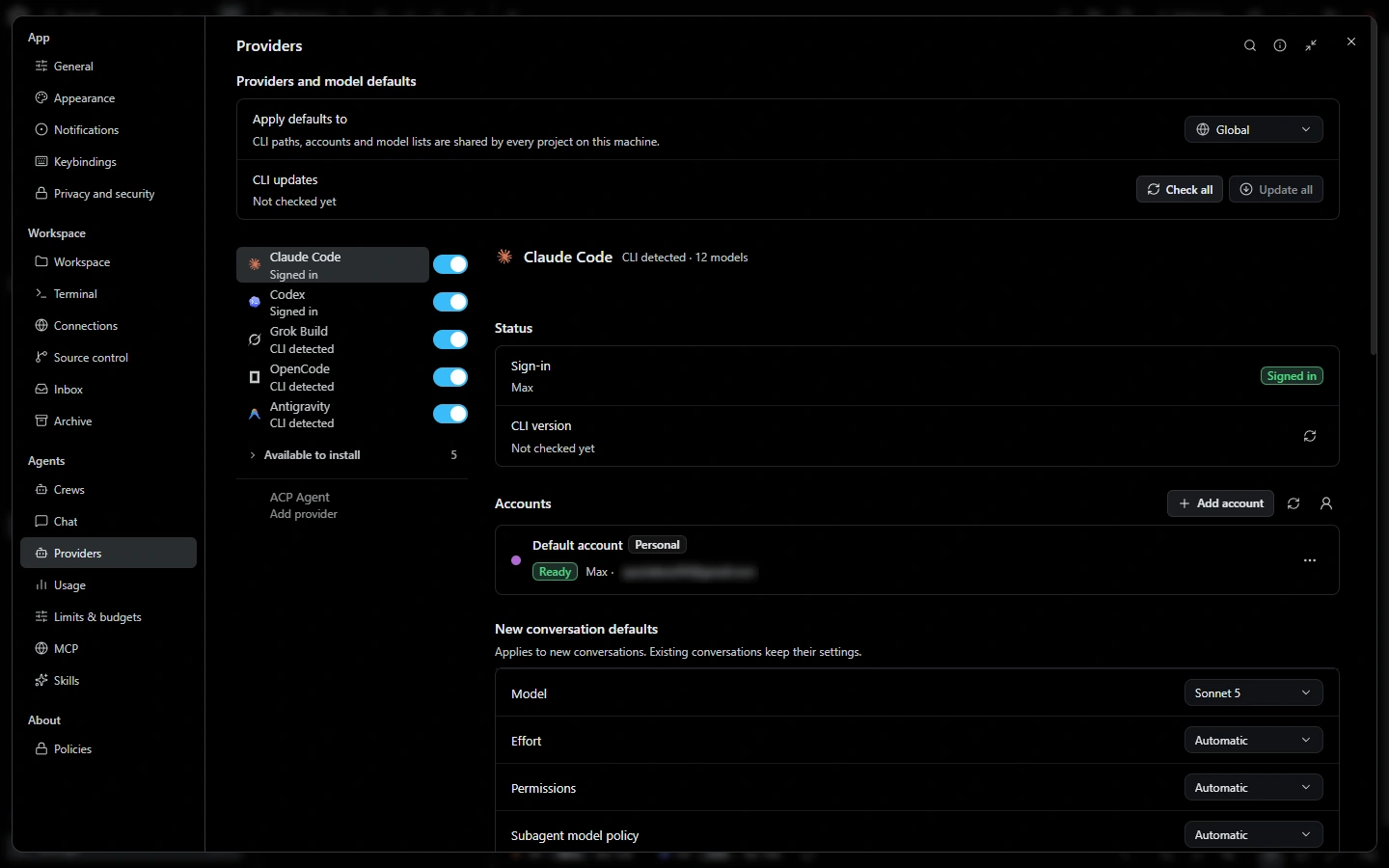 Remote machinesOpen folders on SSH machines as projects, run agents there, keep saved servers and share dev servers.
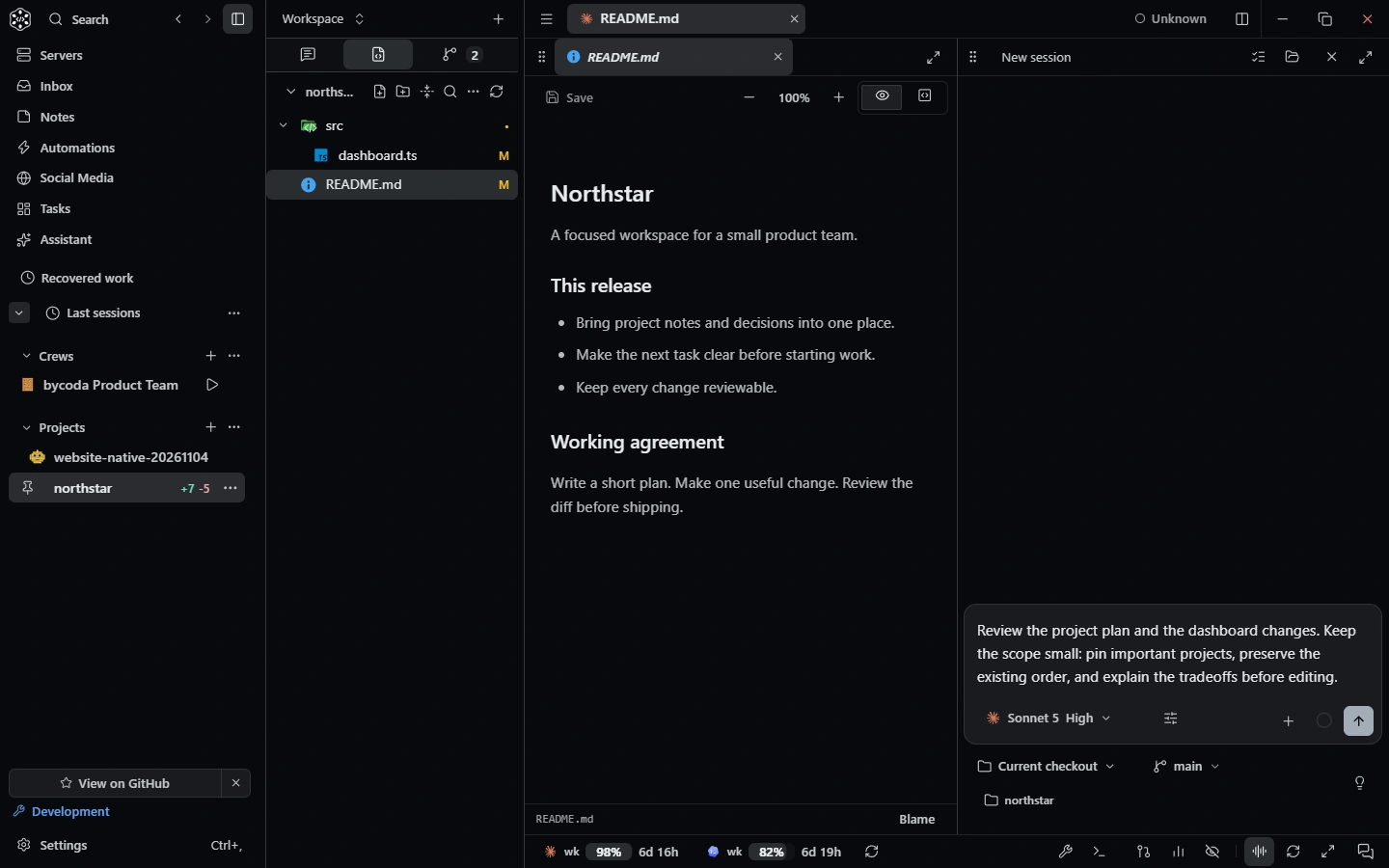 Conversation toolsBrowser, devices, dev servers, terminals, files, Git, tasks and notes as agent tools, plus MCP and skills.

bycoda is free, open source and in beta for Windows x64 and Apple Silicon Macs. Bring the agent accounts you already use.
Desktop packages for this release are available for Windows x64 and Apple Silicon macOS.