


Pick the right model for each job
The composer shows provider, model, reasoning effort and access mode. Change them before sending, and switching an unsent conversation to another account applies that account's defaults.
Models & accounts
bycoda sits next to your provider, not between you and it. Choose the agent, model, reasoning effort and permission mode for every session.
The composer shows provider, model, reasoning effort and access mode. Change them before sending, and switching an unsent conversation to another account applies that account's defaults.
Claude Code and Codex support several named accounts with isolated local profiles and their own colors, so work and personal accounts stay apart. Other agents use their own CLI sign-in.
The usage page estimates tokens and API-equivalent cost and shows provider quota windows per account. Usage budgets can monitor a project or block new turns when a limit is reached.
Use a fast model for quick edits and a stronger model with high effort for a tricky migration, in the same project.
Run client work on one Codex account and side projects on another without signing in and out.
Block new turns in a project when 75% of a weekly account window is used.
bycoda does not sell tokens or bundle a model. You install and sign in to each agent yourself. Cost figures are estimates, and budgets are checked on this desktop before each turn.
No. bycoda is free and open source. Models come from the provider accounts you already have.
Yes, through OpenCode or similar agents when your provider setup offers those models. Availability depends on your account.
Google's models are reached through Antigravity. Gemini CLI is not offered as a separate agent for new sessions.
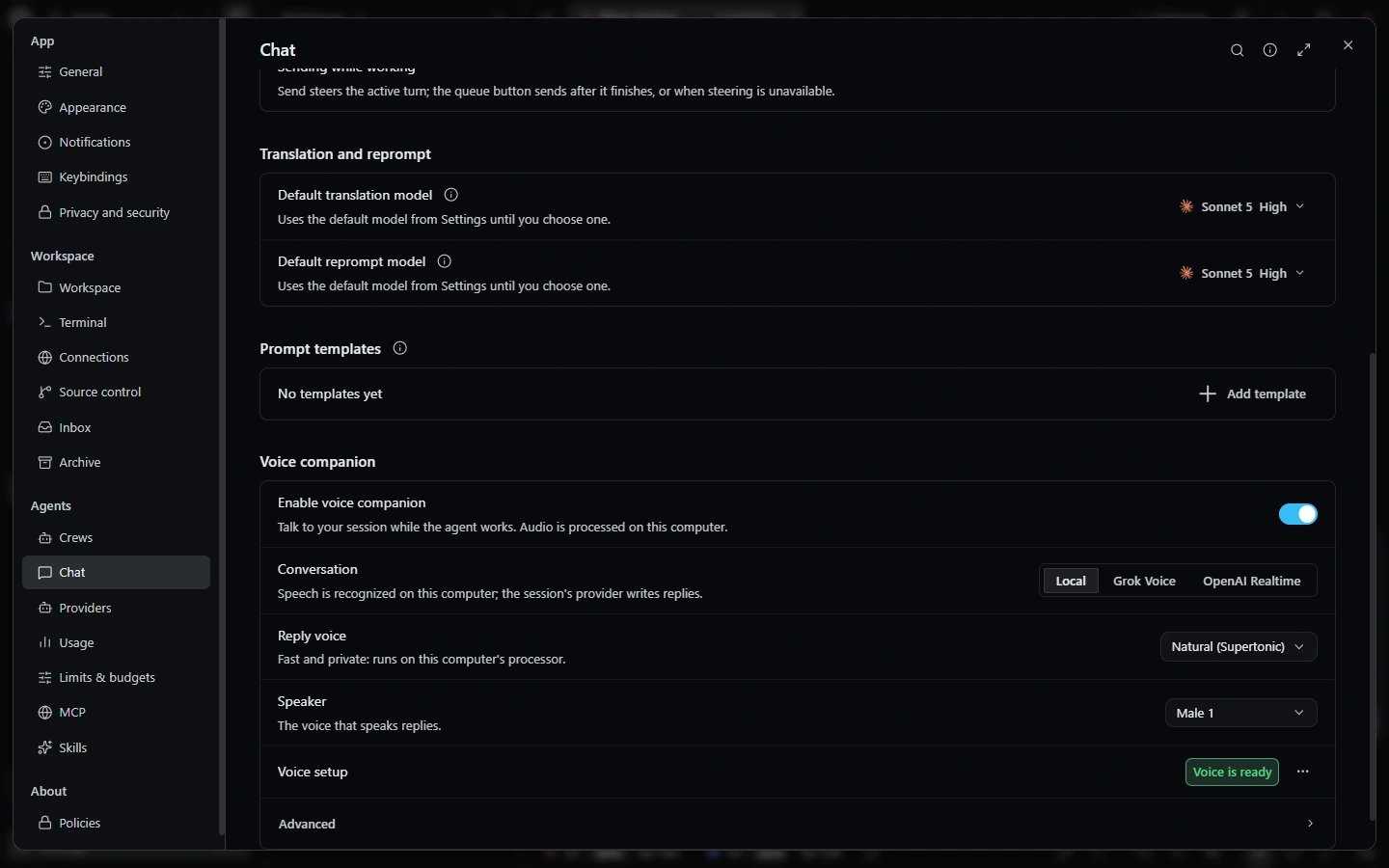 VoiceVoice conversations with your sessions, local dictation and animated companion visuals.
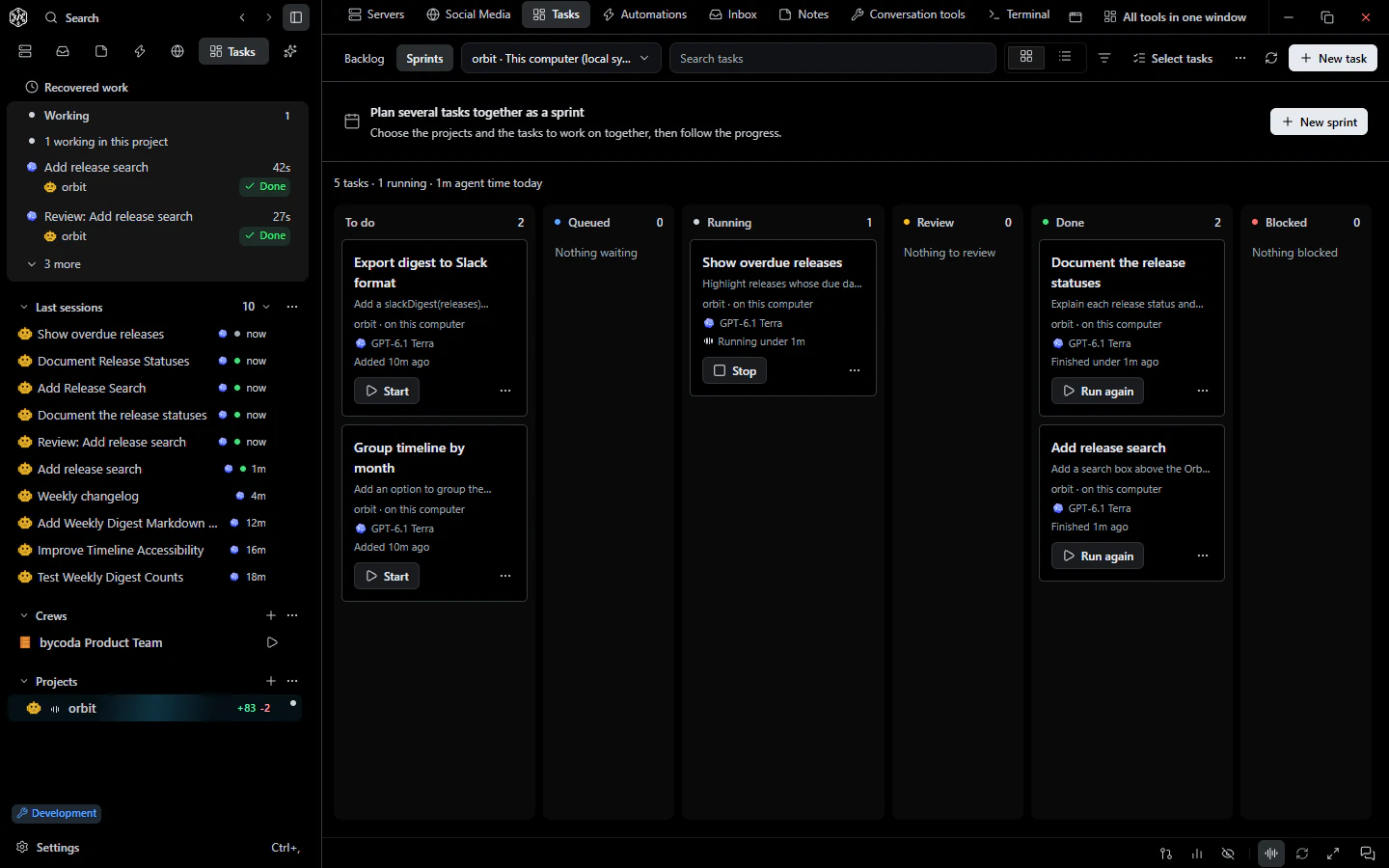 Tasks & goalsTasks with dependencies, machine and branch choice, independent review, goals, sprints and a Today view.
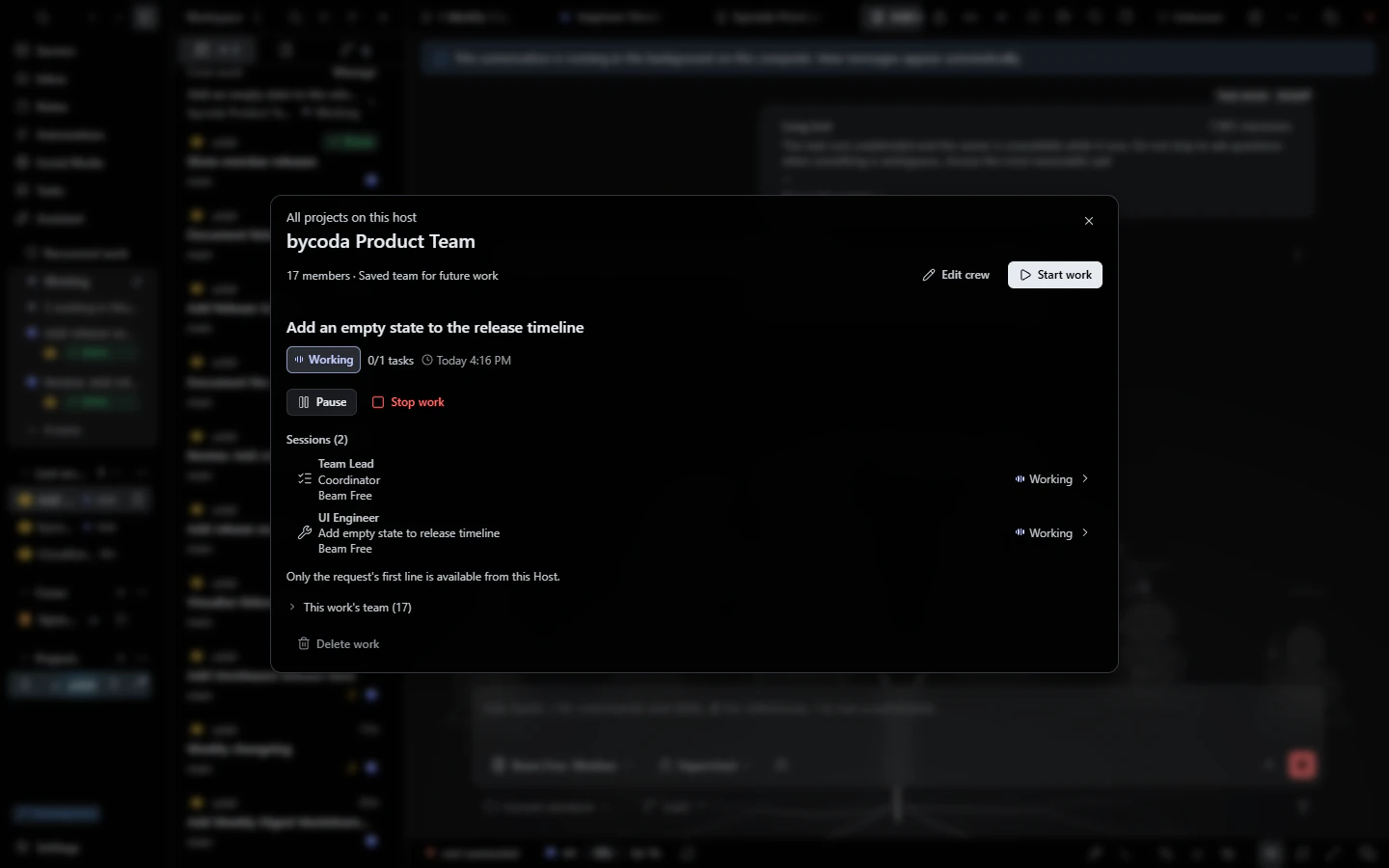 Agent crewsAgent teams with a coordinator, specialists and an independent reviewer, each with its own model.

bycoda is free, open source and in beta for Windows x64 and Apple Silicon Macs. Bring the agent accounts you already use.
Desktop packages for this release are available for Windows x64 and Apple Silicon macOS.