


Schedules and triggers
Run hourly, daily, on weekdays or weekly in the host's timezone. Or react to events from tasks, social media, GitHub, GitLab, Azure DevOps, Linear and Jira.
Automations
Turn a prompt into an automation that runs on a schedule or reacts to events, then come back to its results and history.
Run hourly, daily, on weekdays or weekly in the host's timezone. Or react to events from tasks, social media, GitHub, GitLab, Azure DevOps, Linear and Jira.
Templates cover finding critical bugs, scanning for vulnerabilities, reviewing pull requests, auditing dependencies, triaging issues, watching failing CI and writing a weekly changelog.
Preview the schedule before saving, run now, pause, resume or stop a run, and read the history. An automation cannot change itself or raise its own permissions.
Every Monday, summarize last week's merged changes into a draft changelog.
Review every new draft pull request with a read-only prompt.
Turn new GitHub issues into suggested to-do items.
Automations run on the bycoda Host with your signed-in provider. Event triggers need the matching integration to be connected. Creating an automation does not run it.
Automations run on the Host of the machine they belong to, so that machine needs to be running.
It works within its permission mode. Merges, sends and other sensitive actions still need your approval.
Yes. Preview the schedule and use Run now to test it.
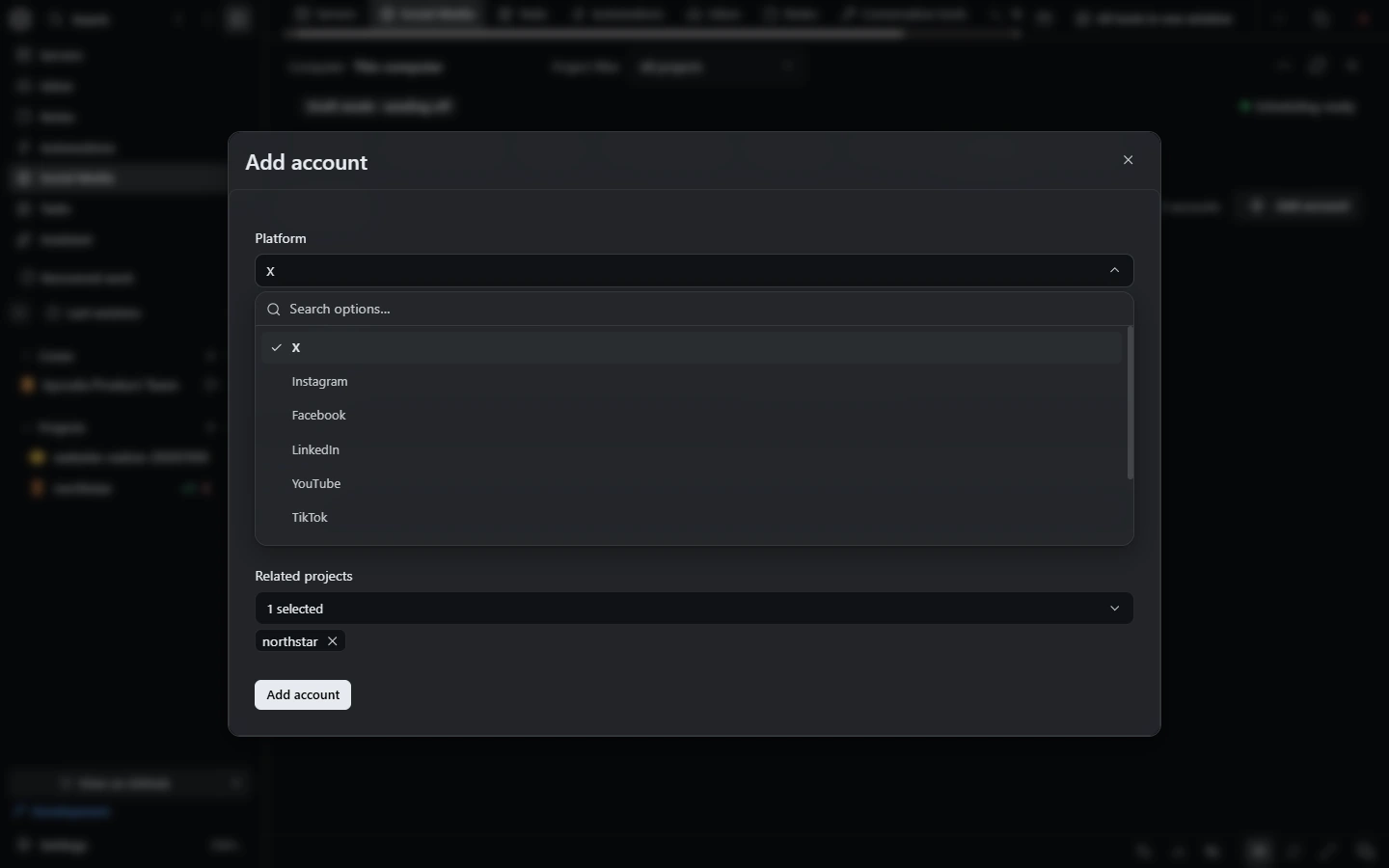 Social mediaDrafts, campaigns, a unified inbox and per-account autonomy rules, with owner approval for sends.
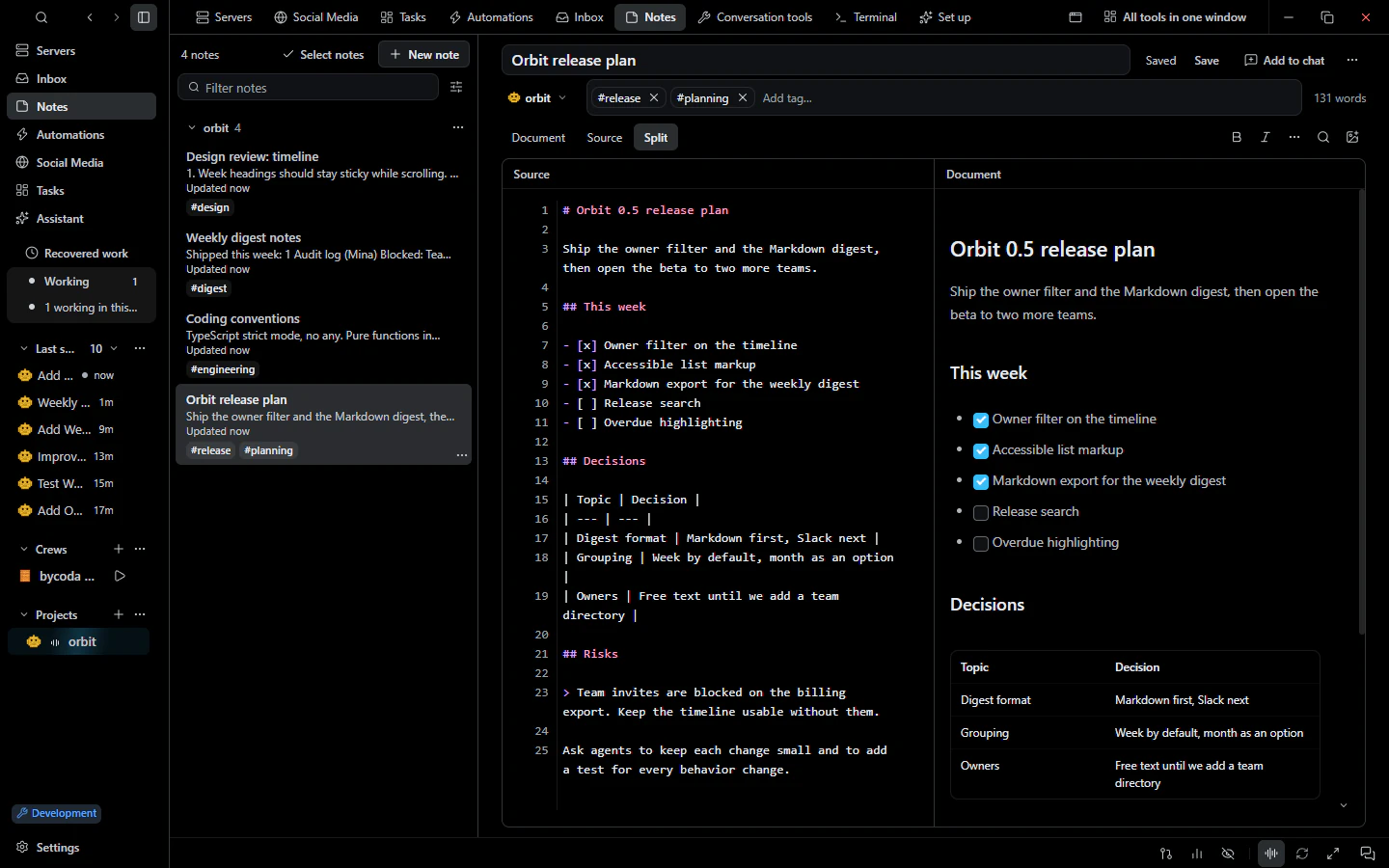 NotesMarkdown project notes and a personal notebook that you can add to conversations as context.
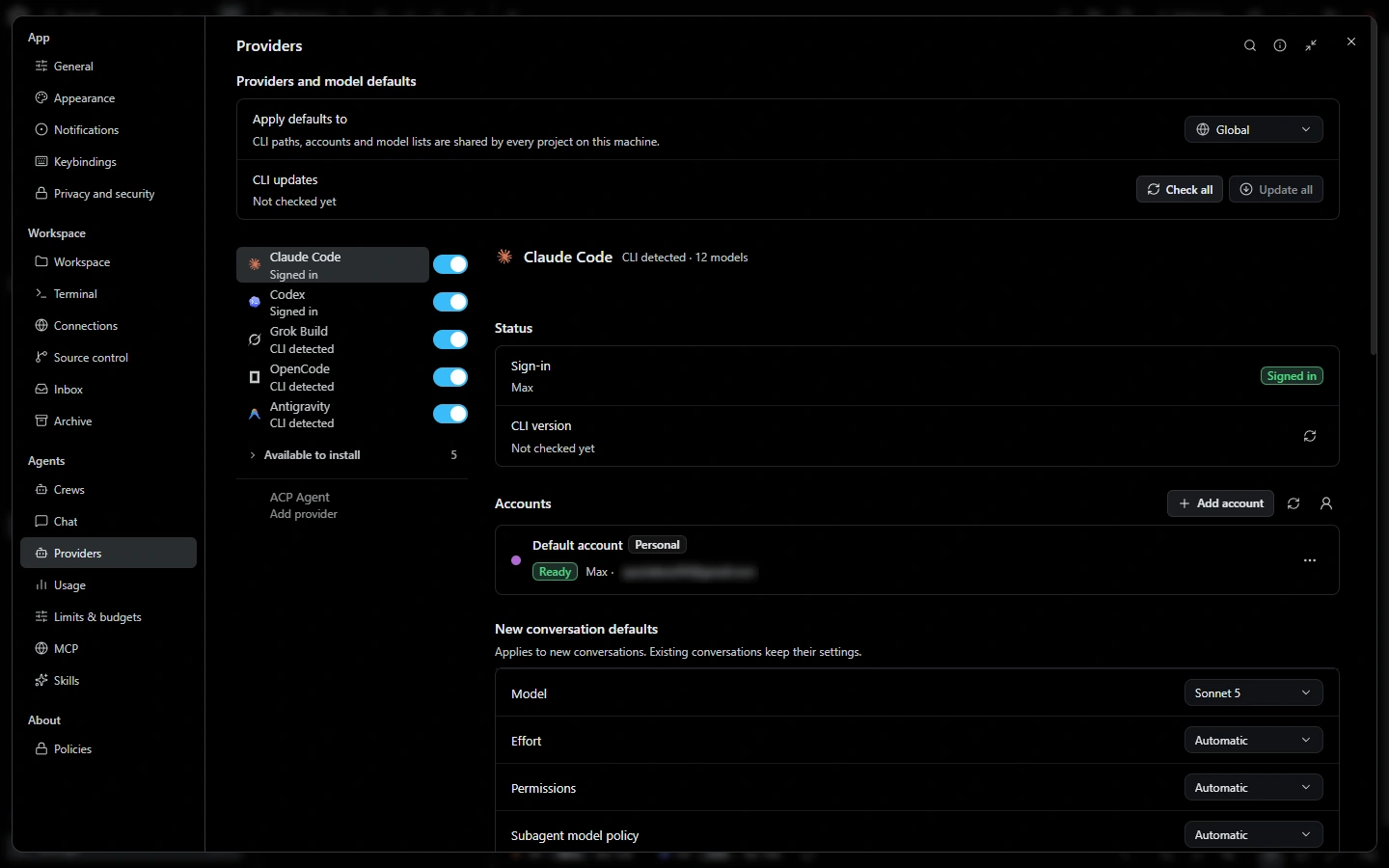 Remote machinesOpen folders on SSH machines as projects, run agents there, keep saved servers and share dev servers.

bycoda is free, open source and in beta for Windows x64 and Apple Silicon Macs. Bring the agent accounts you already use.
Desktop packages for this release are available for Windows x64 and Apple Silicon macOS.