


Every project keeps its own conversations
Sessions are listed per project in the sidebar. A Working summary shows what is running right now, including conversations in other projects, so nothing gets lost while you switch context.
Parallel sessions
Start several conversations in the same project, watch them work in split panes and pick up exactly where you left off, even after the app closes.
Sessions are listed per project in the sidebar. A Working summary shows what is running right now, including conversations in other projects, so nothing gets lost while you switch context.
Split right or down to follow a refactor in one pane and a test pass in another. Each pane has its own header, and any pane can be maximized and restored.
Close a new chat with unsent text and it stays as a draft. If the app closes mid-turn, the session appears as Interrupted in Recovered work; Continue asks the agent to check what already happened before repeating anything.
Let Claude Code restructure a module in one pane while Codex writes tests in another, then review both diffs.
Reopen bycoda, open Recovered work and continue the interrupted session with full context.
Start a long prompt, close it as a draft and send it when you are ready.
Sessions run the agent CLIs installed on your computer, so each provider needs to be installed and signed in. Recovery covers local chats; remote sessions keep running on their own machine.
Yes. Each session picks its own agent and model, so you can run different agents in parallel in the same project.
The session is marked Interrupted and listed in Recovered work. Opening it does not restart work by itself; you decide whether to continue.
By default they use the current checkout. You can choose a worktree for a session to give it an independent branch and folder.
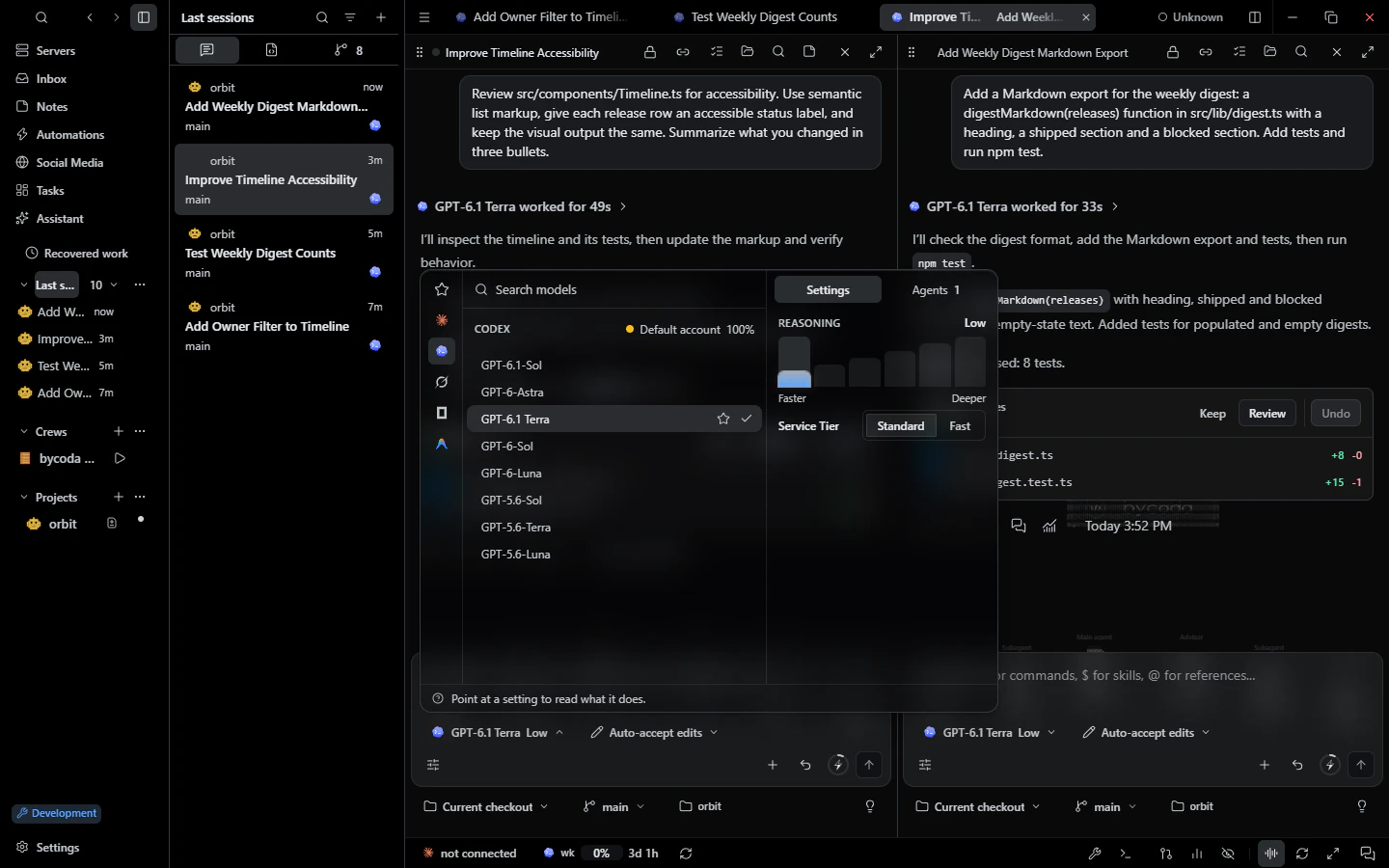 Models & accountsPer-session model, effort and permission mode with your own provider accounts and usage budgets.
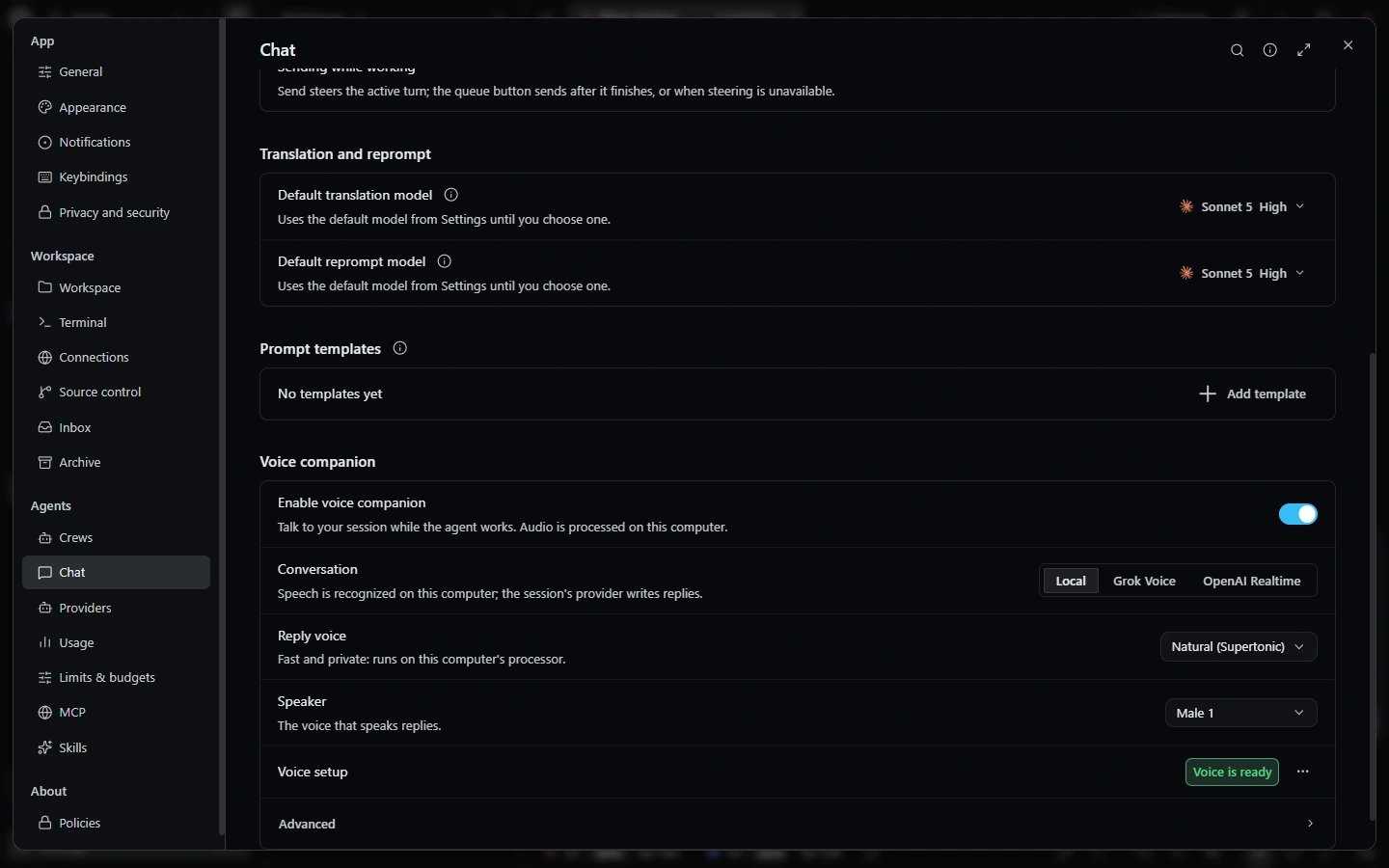 VoiceVoice conversations with your sessions, local dictation and animated companion visuals.
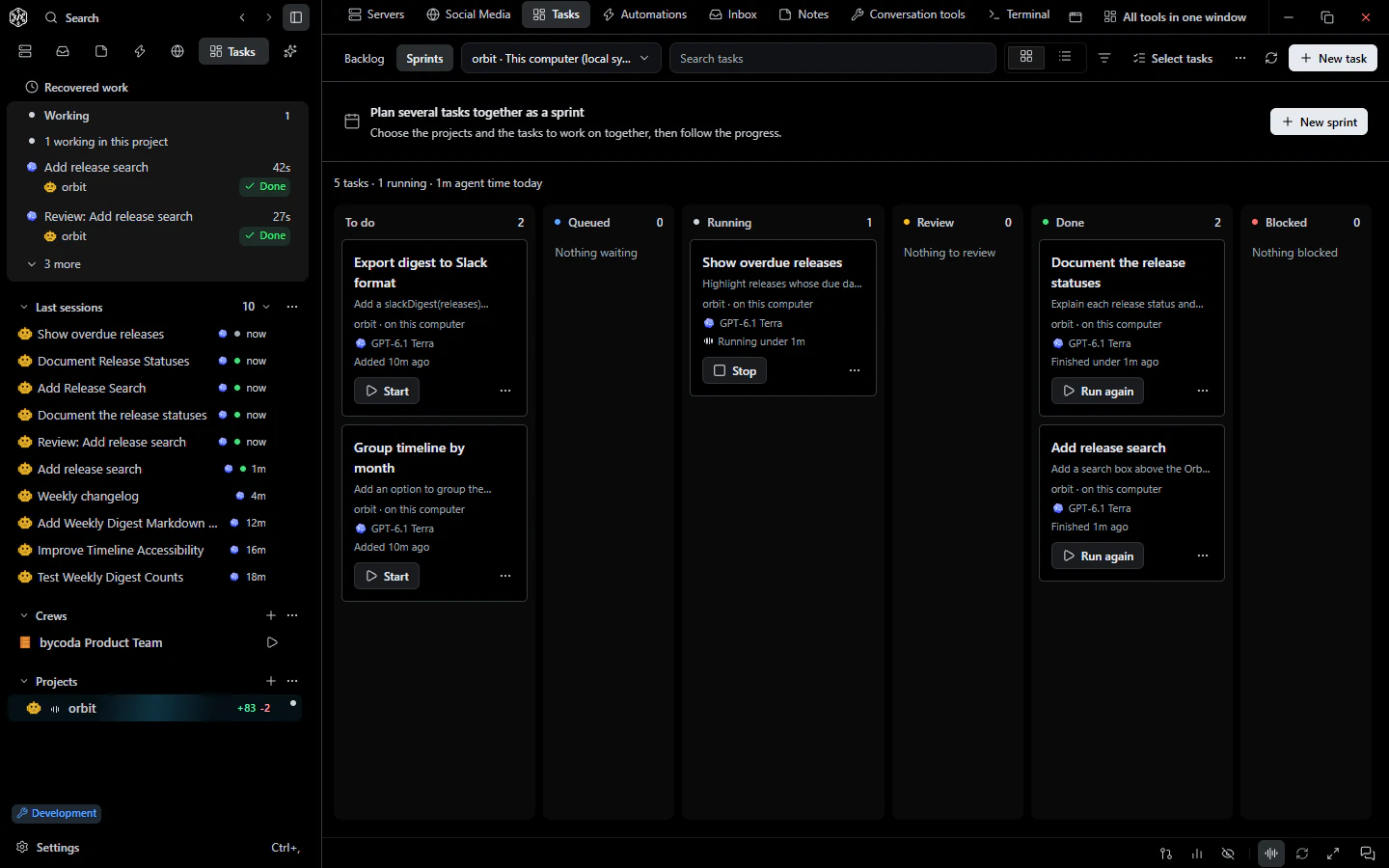 Tasks & goalsTasks with dependencies, machine and branch choice, independent review, goals, sprints and a Today view.

bycoda is free, open source and in beta for Windows x64 and Apple Silicon Macs. Bring the agent accounts you already use.
Desktop packages for this release are available for Windows x64 and Apple Silicon macOS.