


Diffs where the work happens
Review working changes, a single commit or everything, with staged and unstaged sections, list or tree view and per-file stage, unstage or discard.
Git & review
Agent edits show up as diffs next to the conversation. Stage what you want, write or generate the commit message and keep branches, worktrees and pull requests in view.
Review working changes, a single commit or everything, with staged and unstaged sections, list or tree view and per-file stage, unstage or discard.
Follow the commit graph, open line blame, switch branches and stash changes in the same panel. Resolve merge conflicts conflict by conflict.
Run risky work in its own worktree, see every checkout's changes, and follow pull request activity and checks in Inbox.
Read an agent's diff file by file, stage the good parts and discard the rest.
Give a risky task its own worktree and delete branch and worktree together afterwards.
Let a session wake up when a pull request gets new activity.
Git must be installed. Pull request merges and comments need your confirmation in a native prompt.
Yes. Every change appears as a diff next to the conversation before you commit.
It can generate one with the provider and model you choose; you can edit or cancel it.
Yes. You can create, browse, pin and clean up worktrees, including per-session worktrees.
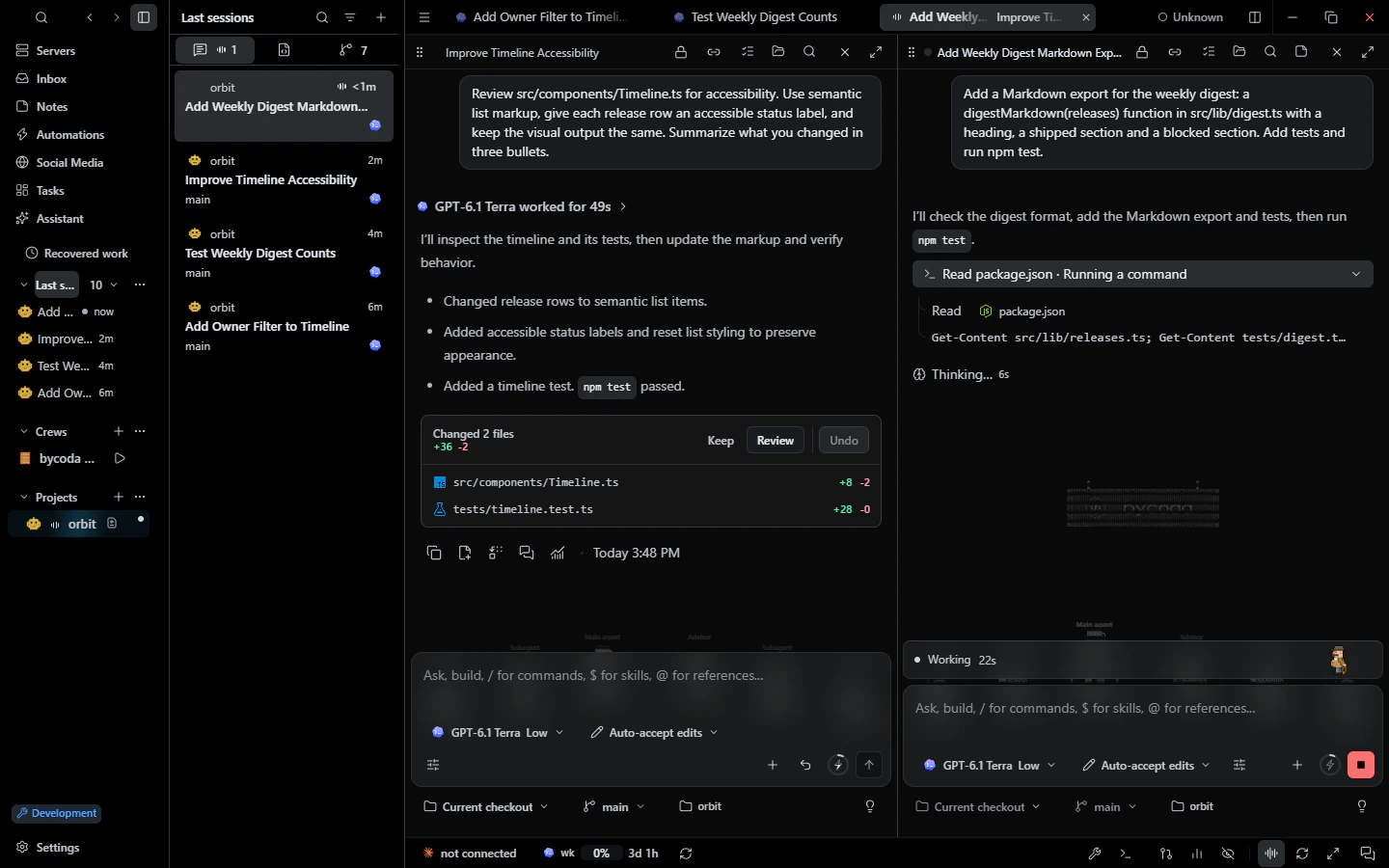 Parallel sessionsParallel agent conversations per project, split panes, drafts, a message queue and recovery.
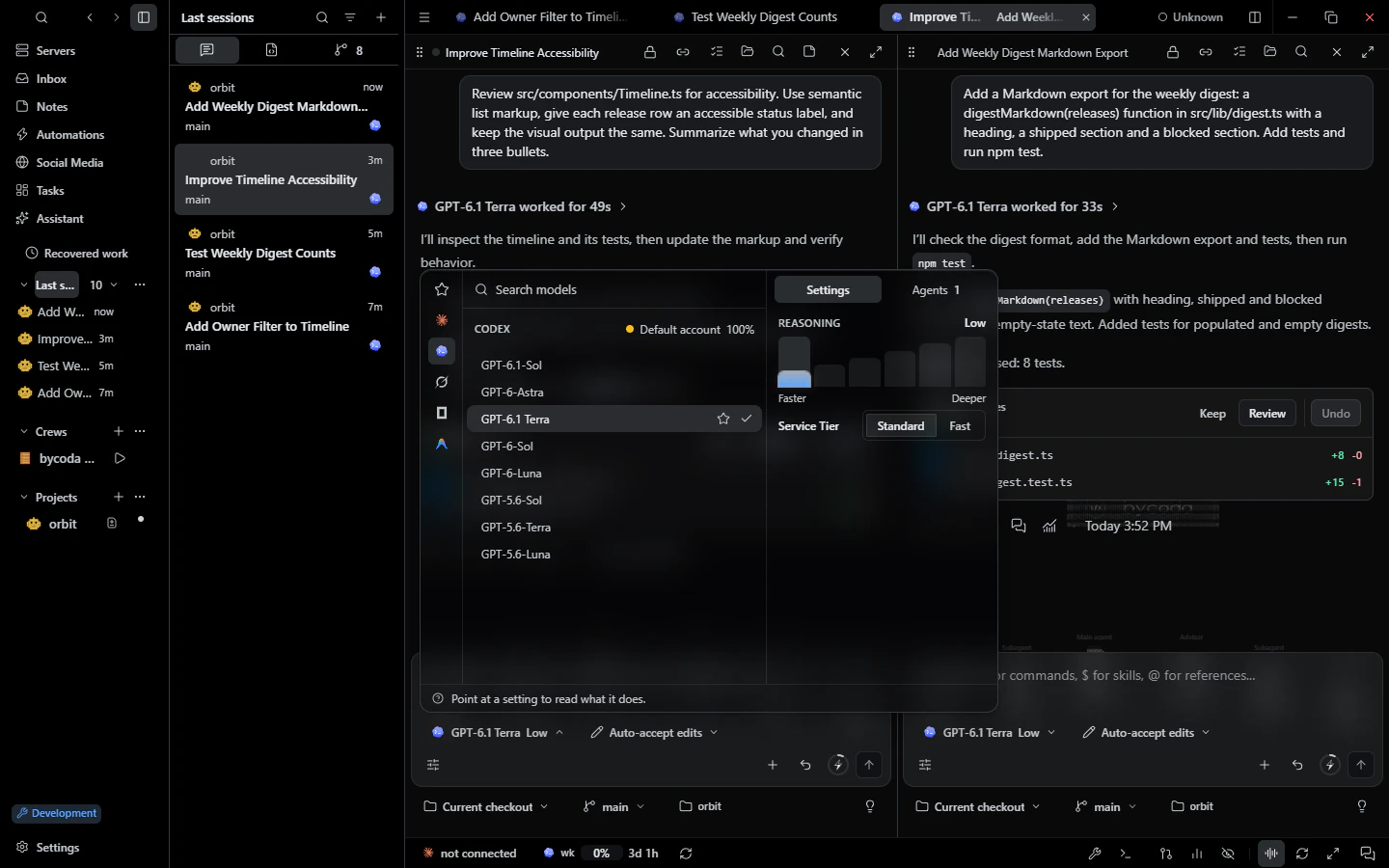 Models & accountsPer-session model, effort and permission mode with your own provider accounts and usage budgets.
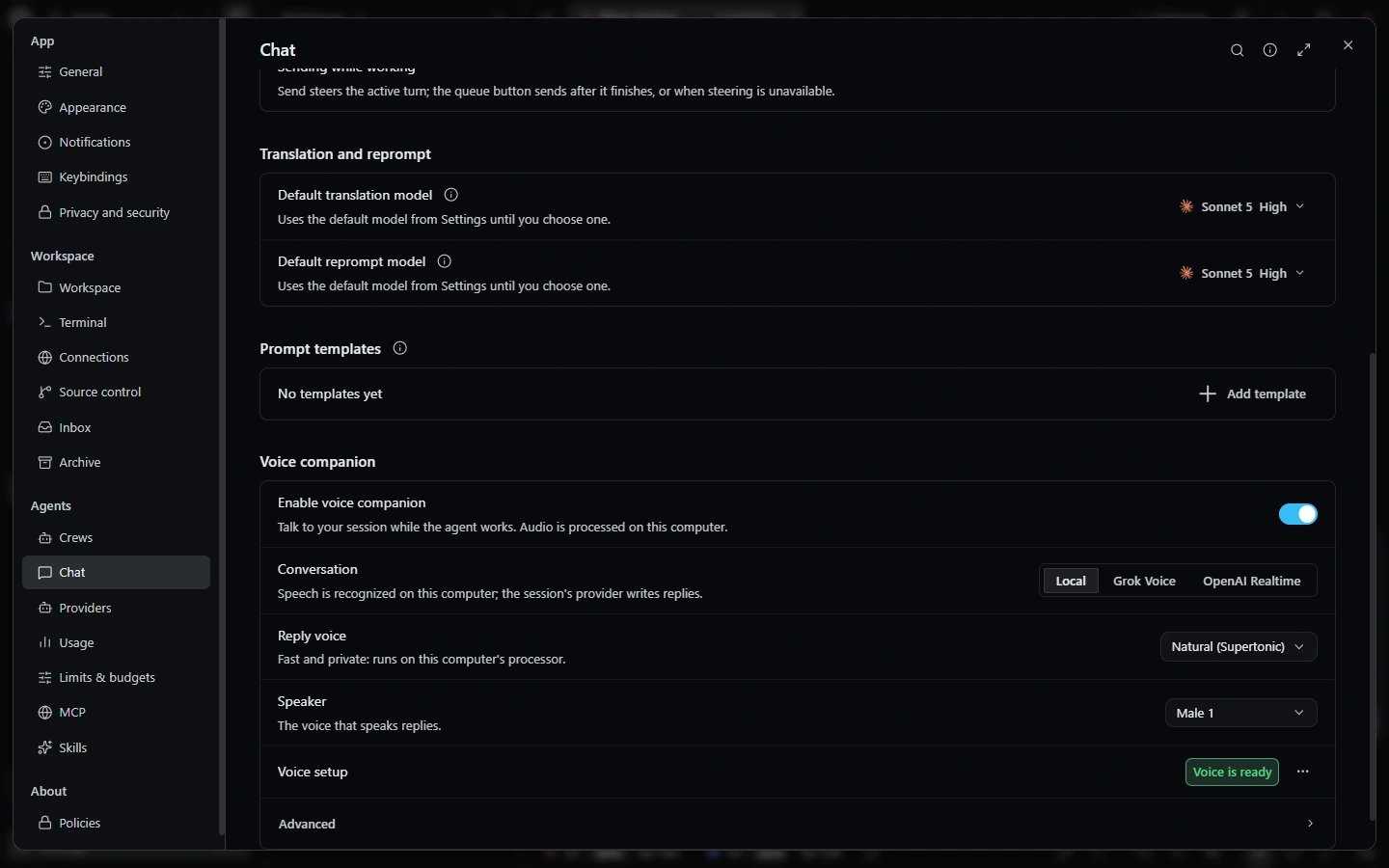 VoiceVoice conversations with your sessions, local dictation and animated companion visuals.

bycoda is free, open source and in beta for Windows x64 and Apple Silicon Macs. Bring the agent accounts you already use.
Desktop packages for this release are available for Windows x64 and Apple Silicon macOS.