


Write in Markdown
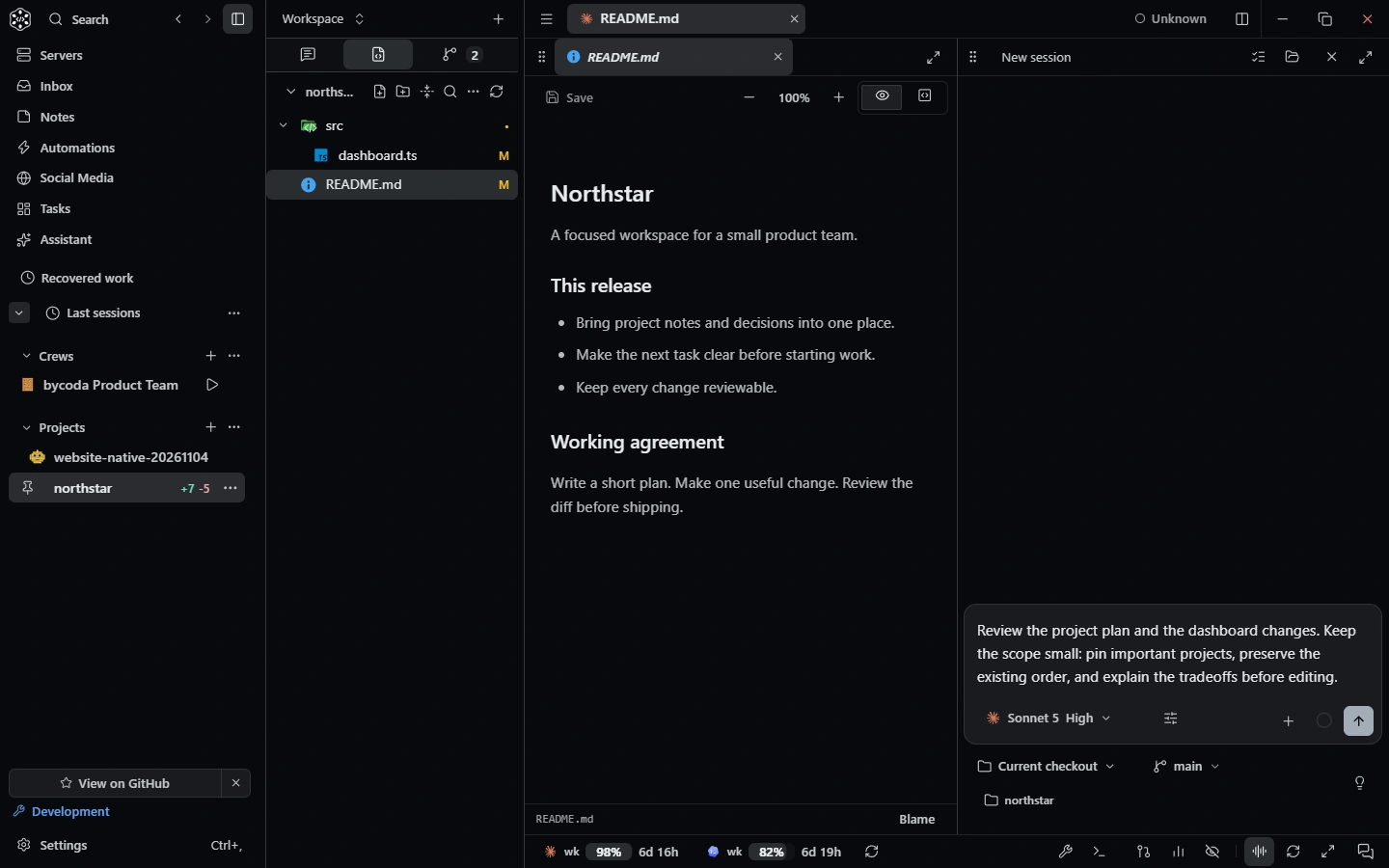
Edit source and preview side by side, with tags, images, word count and draft recovery. Filter notes by project and tag.
Notes
Keep decisions, conventions and plans in Markdown next to your sessions, and bring the right note into a conversation when it matters.
Edit source and preview side by side, with tags, images, word count and draft recovery. Filter notes by project and tag.
Save a finished assistant reply as a note. Later, mention it with @note or add it to a chat as context.
Project notes live with each project; a personal notebook on the project rail holds everything else. Today can save a daily summary as a note.
Keep coding conventions in a note and add it to every new session.
Save an agent's design plan, refine it and reuse it later.
Save Today's summary as a daily note.
Notes are stored on your installation. You can turn Notes off in Settings → Workspace.
No. A note is used as context only when you add it to a conversation.
Agents can list, read and update notes through bycoda's conversation tools, within your permission settings.
Yes. Notes are written and previewed as Markdown.
 Remote machinesOpen folders on SSH machines as projects, run agents there, keep saved servers and share dev servers.
 Conversation toolsBrowser, devices, dev servers, terminals, files, Git, tasks and notes as agent tools, plus MCP and skills.
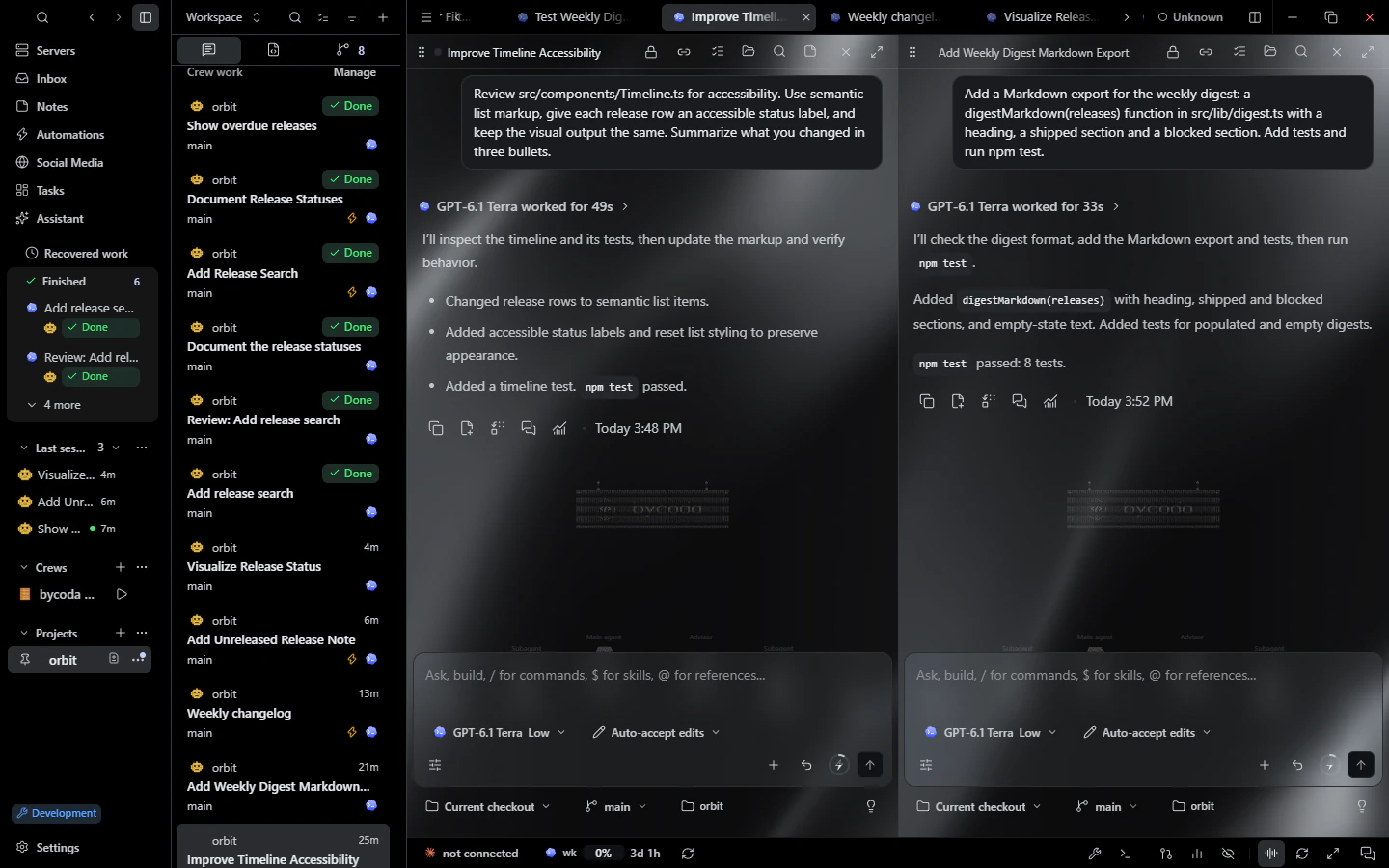 CustomizationThemes, palettes, glass, gradient and image backgrounds, live scenes, scale, fonts and shortcuts.

bycoda is free, open source and in beta for Windows x64 and Apple Silicon Macs. Bring the agent accounts you already use.
Desktop packages for this release are available for Windows x64 and Apple Silicon macOS.