


 Codex
Codex, side by side with everything else.
bycoda runs your Codex CLI in parallel sessions per project and connects it to Git review, tasks, crews, automations and voice.
What you can do
- Detects your installed Codex CLI and its sign-in
- Several named Codex accounts with isolated profiles
- Archived threads restore when you follow up
- OpenAI Realtime voice through your Codex sign-in
- Codex image generation for social campaigns
How to set it up
- Install the Codex CLI and sign in
- Install bycoda and open a project folder
- Choose Codex, a model and reasoning effort
- Send a request and review the changes
Good to know
You need your own Codex installation and plan. Usage counts against your OpenAI account.
Questions
Is this an official OpenAI app?
No. bycoda is an independent, open-source workspace that runs your own Codex CLI.
Can I use two Codex accounts?
Yes. Codex supports several named accounts with isolated local profiles.
Keep exploring
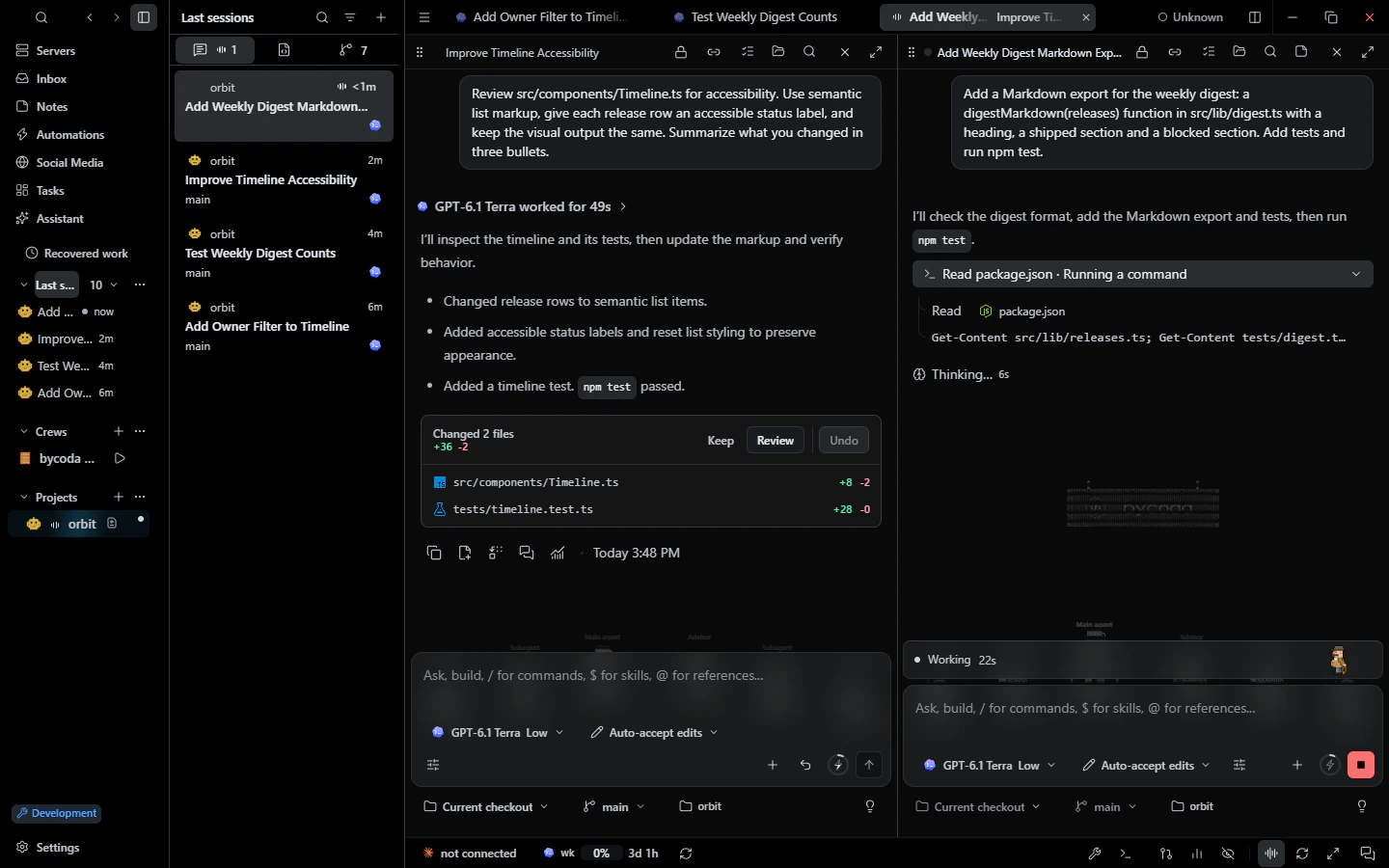 Parallel sessionsParallel agent conversations per project, split panes, drafts, a message queue and recovery.
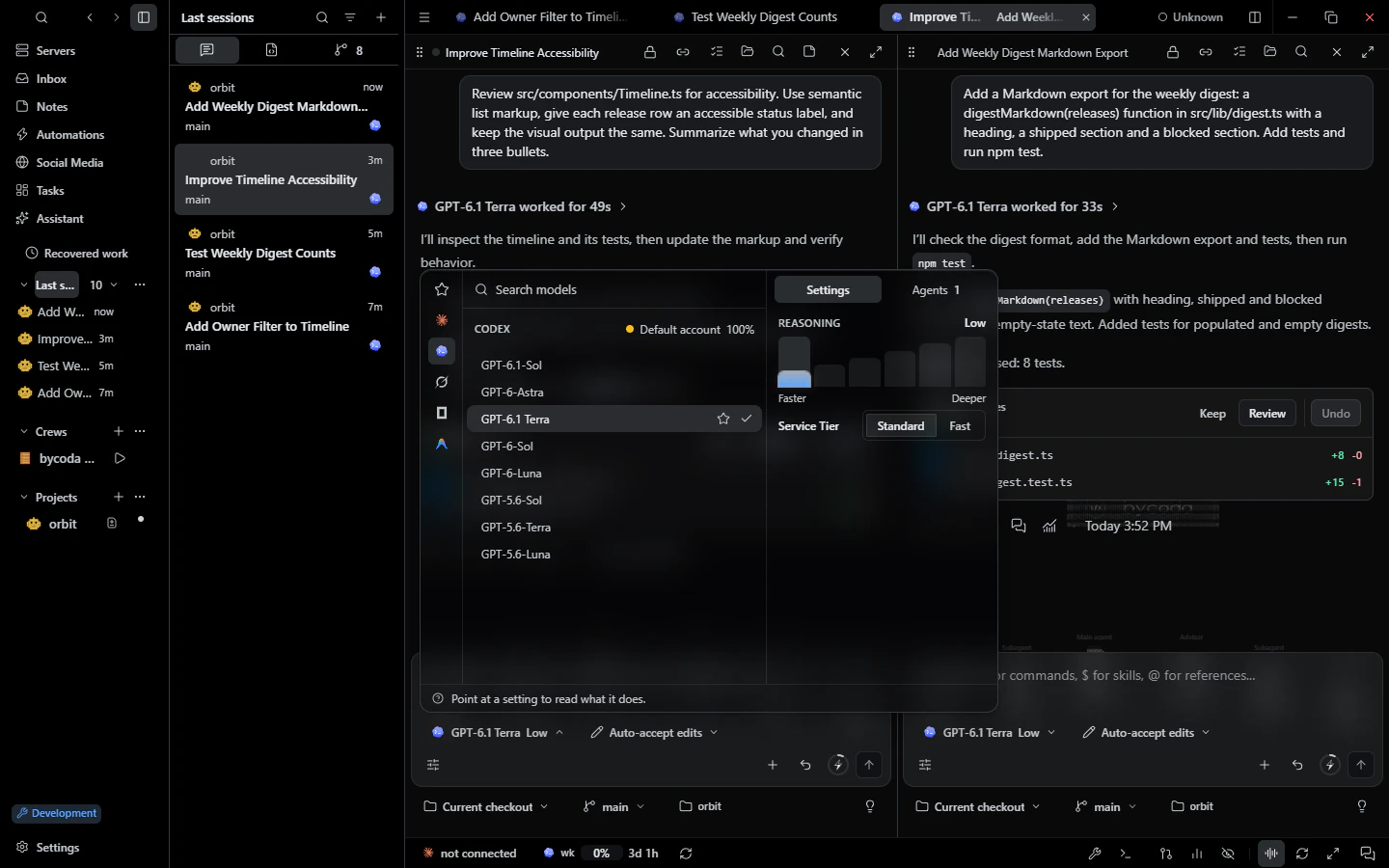 Models & accountsPer-session model, effort and permission mode with your own provider accounts and usage budgets.
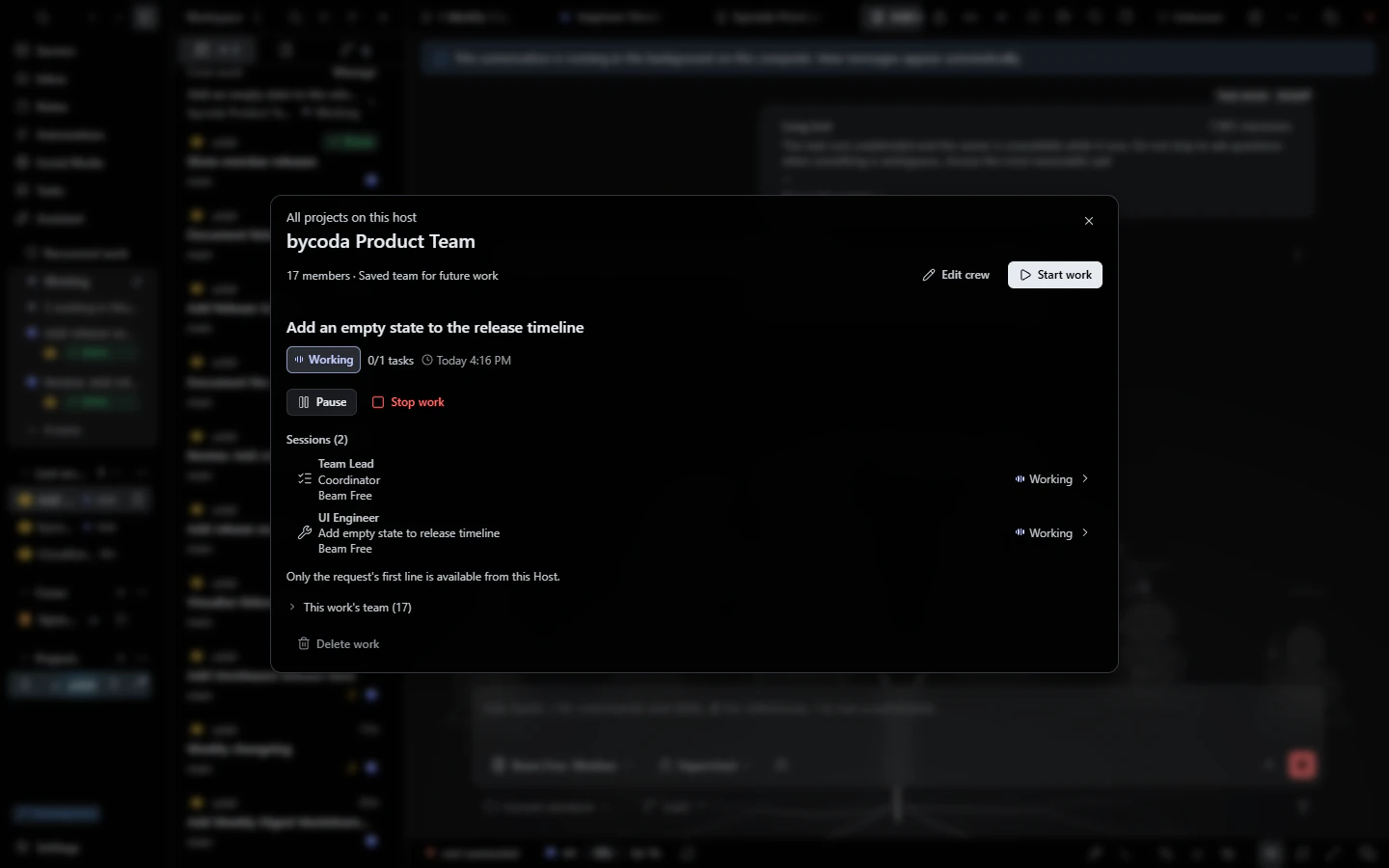 Agent crewsAgent teams with a coordinator, specialists and an independent reviewer, each with its own model.
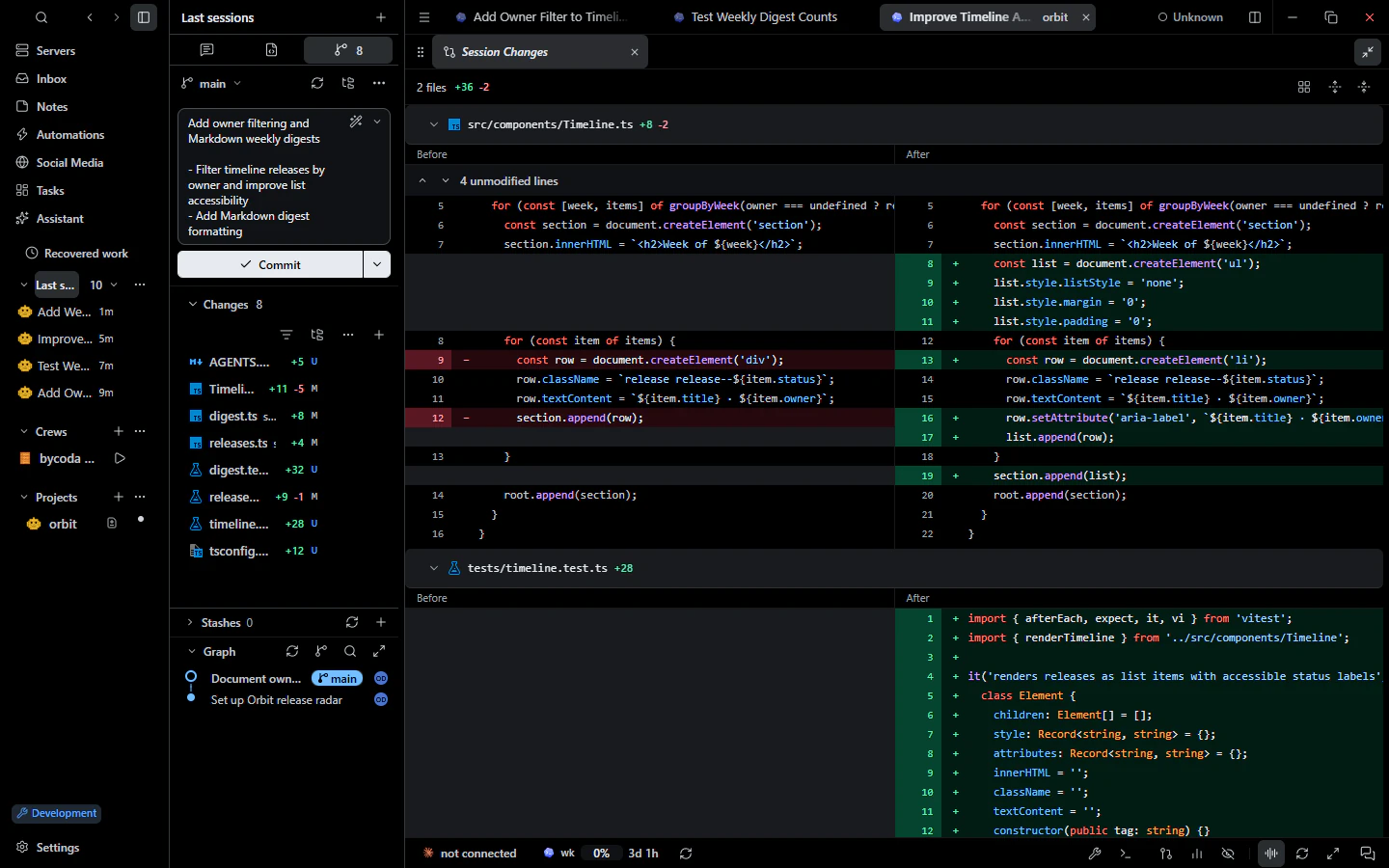 Git & reviewDiff review, staging, AI commit messages, graph, blame, worktrees, conflicts and PR checks.
Works with
 Claude Code
 Antigravity
 Cursor
 OpenCode
 Grok Build

Try it on your own projects.
bycoda is free, open source and in beta for Windows x64 and Apple Silicon Macs. Bring the agent accounts you already use.
Desktop packages for this release are available for Windows x64 and Apple Silicon macOS.